.png)

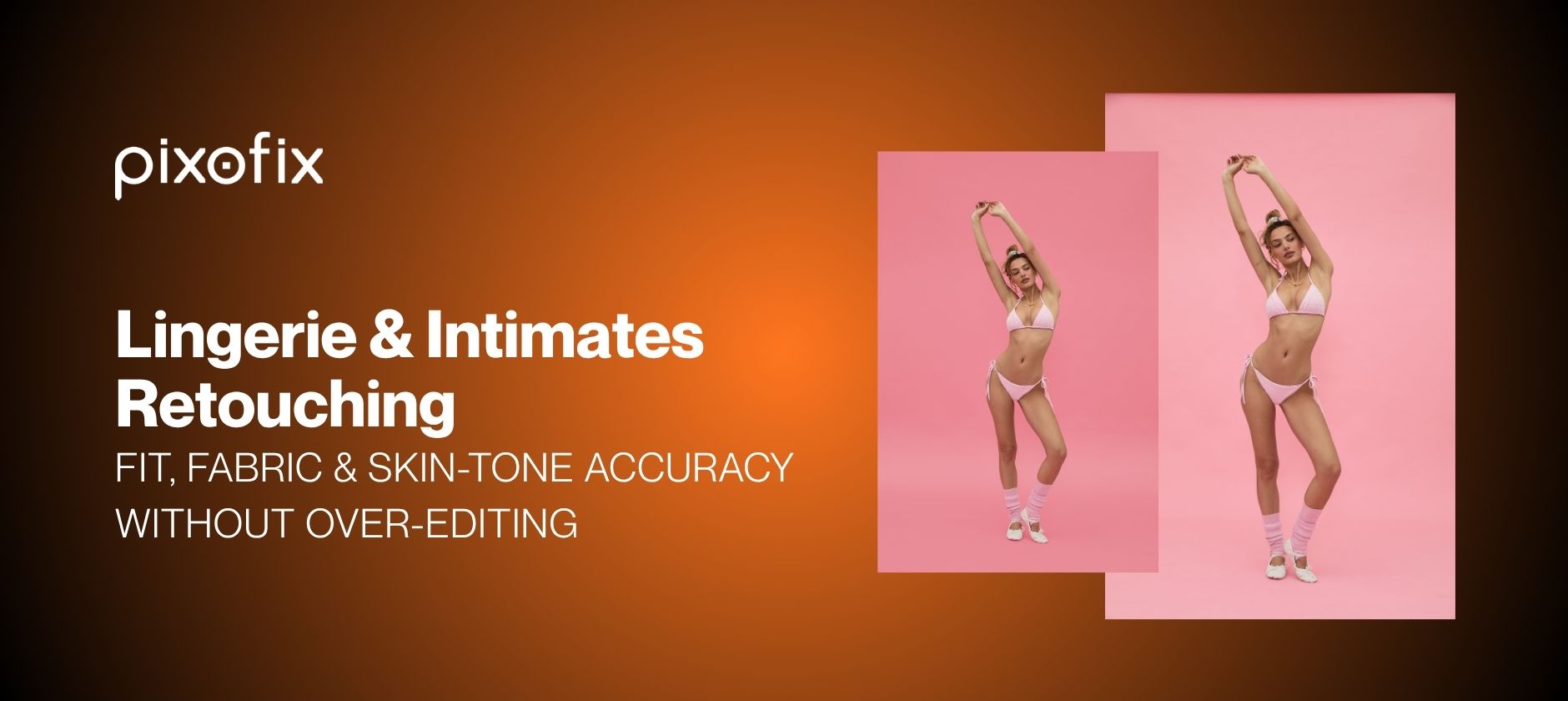
Lingerie & Intimates Retouching: Fit, Fabric & Skin-Tone Accuracy Without Over-Editing
Most lingerie and intimates retouching problems are not about beauty. They are about returns. If the image lies about fit, fabric behavior, or skin tone, the customer sends the item back and quietly blacklists the brand. In this category, polish is secondary to fit truth.
This guide covers what to protect and what to change during lingerie retouching: fit and elastic tension, lace and sheer fabric detail, skin-tone accuracy across model ranges, the ghost mannequin versus on-model decision, where AI breaks down at catalog scale, and the QC checks that catch problems before they reach a product page.
Why Does Fit Truth Matter More Than Polish In Lingerie Retouching?
Intimates sit at the top of the return pyramid. Fit is subjective, but visual honesty is not. Any retouching that hides dig-in, flattens cups, or "fixes" elastic tension turns into a returns problem, not a creative win.
Tight SLAs, high SKU counts, and product teams insisting that the garment must look exactly like what arrives in the box are the operating conditions for lingerie photography. Retouching either supports the fit story or actively damages unit economics, so build your rules around that reality.
What buyers must see in every image:
Elastic tension and support. Buyers look at strap pull, band stability, and underwire behavior. Retouching must keep micro-wrinkles, minor indentations, and realistic lift. Remove only visual noise, never structural reality. If a strap bites uncomfortably, that is a product decision, not a retouching decision.
Cup volume and edge transition. Do not round out cups or trim bulges that would appear on a similar body. Tidy creased fabric or minor gaping, but never "improve" the garment's actual grading. Apply the same discipline to bodysuits and shapewear cuts so construction reads honestly.
Coverage and opacity. Sheer and mesh are judged on opacity zones. Retouching mesh to appear more opaque than it is almost guarantees disappointment. The goal is managing modesty in a compliant way without altering how see-through the fabric actually is.
True color and finish. Satin, microfibre, lace, and power mesh all read differently under light. Color shifts acceptable in tops or denim are risky in intimates, especially for nude colorways where the wrong nude often means zero wear.
How Do You Preserve Lace Texture During Retouching?
Lace is not a gradient. It is a pattern of negative space and thread that must be preserved edge to edge. A single sloppy pass of blur or AI cleanup can wipe out expensive lace engineering or flatten power mesh that customers specifically pay for.
Avoid global skin blurs near lace edges. Run micro dodge and burn on separate layers, not global frequency separation that bleeds into lace and turns it mushy. Use tight clipping paths around scallops so skin can be treated independently of fabric.
Respect pattern density. Do not fill in lace motifs for modesty. If more coverage is needed, that belongs in pre-production styling or compositing with approved modesty layers, not ad hoc retouching.
Watch AI upscaling and texture mapping. Generative tools can hallucinate lace detail that never existed on the sample garment. At 1 to 10 images this might pass unnoticed. At 500 SKUs, pattern inconsistency across sizes makes a line look like it came from mixed suppliers and undermines trust. Any AI-generated lace should be compared directly against the sample garment under matching lighting before it ships.
How Should Sheer Panels Be Handled In Lingerie Photography?
Sheer panels create the hardest judgment call in intimates retouching. Modesty, brand voice, and platform policy all have to be managed without re-engineering the fabric itself.
Separate opacity from tone. Work with targeted curves and selective color on the fabric channel, not on skin. Raise exposure in the fabric itself so weave reads clearly, but keep skin tone visible underneath at a realistic level.
Preserve transition zones. The point where sheer meets opaque is where fit judgment happens. Do not soften that seam or over-neaten wrinkles that indicate actual stretch.
Avoid plastic mesh artifacts. Strong studio lighting often creates specular highlights on mesh that, once retouched, become flat and plastic-looking. Gentle local contrast adjustments work better than broad highlight smoothing.
Sheer panel areas are also where generative AI tools are least reliable. They tend to homogenize transparency and over-simplify weave structure, which is why mandatory human review around those zones is non-negotiable at any real volume.
What Should Not Change When Retouching Elastic And Hardware?
Elastic and hardware details tell buyers about durability and comfort. They also catch highlights and can look cheap or noisy without care.
Keep realistic tension marks. Slight tension, small compression on shoulders or hips, and minor strap impressions are part of fit truth. Remove only what looks like temporary red marks, not all indentation.
Refine hardware without idealizing it. Rings, sliders, and hooks should be sharp and free of scratches that are clearly factory defects. Do not change the metal finish or color. Jewelry reflections are a known weak point for automated tools, which is why hardware and metal edges need human review by default.
Respect elastic width and shape. Do not thin straps to be more flattering. Any change to elastic width or curvature is a body-shape edit in disguise and will misrepresent support levels.
How Do You Keep Skin Tones Accurate Across A Diverse Model Range?
If fit truth drives returns, skin-tone truth drives trust. Lingerie is intimate by definition. Customers are deciding whether an item looks good on a body like theirs, and whether the brand is actually inclusive.
Balance highlights and undertones. Studio lighting often pushes highlights too far and erases undertones, leading to plastic-looking skin and misleading color contrast.
- Work in calibrated color spaces. Start from RAW sessions with controlled white balance and maintain consistent profiles through post. Measure Delta E across skin patches rather than grading purely by eye.
- Protect undertones, not just luminosity. Exposure can be fixed while undertone variance stays wrong. Use selective color, channel mixing, and HSL tools to keep cool, warm, and olive undertones intact across different lighting setups.
- Maintain texture while smoothing. Over-smoothing is especially obvious on midriff, inner thigh, and underarm. Use low-opacity healing and micro dodge and burn, and avoid heavy noise reduction that turns skin into plastic.
Match diverse model ranges without homogenizing them.
- Create skin-tone reference sets per model. Pull calibrated swatches from ungraded RAWs across face, chest, and legs, and use these as anchors during color work across the whole batch, not only hero shots.
- Batch align by model, not by look. Comparing all images of a single model first, before comparing across models, catches the subtle drift that happens when different retouchers or AI passes work across several days.
- Avoid global LUTs across mixed skin tones. A LUT that looks great on one model can gray out deeper skin or oversaturate lighter ones. Apply creative looks selectively and keep a neutral baseline for catalog work.
- Run Delta E sampling as a standing QC step, not a one-time fix. Keep variance within a tight range for the same model across shots, and log results so drift is caught before publish, not after.
AI skin-tone tools tend to homogenize or beautify in a way that blurs undertones, especially in shadow zones. At catalog scale, this results in skin tones that shift between product pages with no relation to real diversity, which is why targeted human checks need to sit downstream of any AI correction pass.
<a href="https://www.pixofix.com/swimwear-lingerie">Pixofix's swimwear and lingerie team</a> builds a per-model skin-tone reference board as a standing production step rather than a one-off correction, so undertone drift gets caught before a batch ships, not after a customer complaint.
Should Lingerie Be Shot Ghost Mannequin Or On-Model?
Ghost mannequin and on-model are not competing aesthetics. They are different communication tools, and the right choice depends on product and channel, not habit.
See the comparison table below for a side-by-side breakdown.
Ghost mannequin shots exist to explain shape without body distraction. Avoid shoulder and neck distortions: AI compositing and sloppy clipping paths often leave odd shoulder arcs or neck shapes that do not exist, especially in bras and bodysuits, so manually refine those seams rather than letting AI hallucinate missing strap paths. Show internal architecture where possible, including side views that highlight wing height, back closure type, and strap placement. Keep fabric volume natural; a ghost mannequin cup that looks overstuffed sets impossible expectations for smaller cup sizes.
On-model is where lingerie retouching becomes a trust contract. Do not sculpt bodies: no waist pinching, thigh slimming, or shoulder narrowing, though lens distortion and unflattering pose artifacts can be corrected. Respect movement-induced wrinkles; clean the chaos, not the physics, and remove only distracting bunching that came from a half-second pose, not evidence of how the fabric actually moves. Keep transparency honest: if styling added liners or modesty panels, make sure they are visible in the final image rather than digitally faking out sheer areas that will not exist on customer bodies.
Lock these choices into a style guide so every internal and external team replicates them the same way, every season.
Where Does AI Break Down In Lingerie And Intimates Retouching, And What Should Replace It?
AI creation plus human perfection is the only viable way to hit ecommerce volume in this category without sacrificing brand trust. Every production team has tried running general-purpose image models on a handful of SKUs, gotten surprisingly good outputs, then tried to scale that to the full catalog.
The failure modes are consistent:
- Lighting and white balance drift between batches
- Color shifts across colorways, so a single "nude" ends up as five different tones
- Garment distortion, especially on straps, lace patterns, and seams
- Hand and finger anomalies around waistbands, hooks, and adjusters
- Ghost mannequin shoulders that bend in physically impossible ways
- Jewelry reflections, fine hardware, and subtle fabric tension rendered inconsistently
These errors are usually invisible at 1 to 10 images. At 500 to 10,000 SKUs, they snowball into clear QC failures, confused customers, and rework costs that erase whatever time the AI pass saved. Human retouchers catch what AI does not register as an error but customers absolutely do: strap tension, cup shape, band straightness, and seam alignment that reads wrong even when every individual pixel is technically clean. They also catch the uncanny-valley signal of smoothing that removed pores but inexplicably preserved lace, or generative fill that invented fake folds.
<a href="https://www.pixofix.com/ai-models-agency">Pixofix's AI Models Agency</a> generates AI model imagery for intimates from flat-lay or existing product shots, with human review built into every batch specifically to catch the strap, hardware, and fabric-tension errors general-purpose AI tools miss at scale.
How Should A Lingerie Retouching Workflow Be Built To Scale?
If source images are chaotic, no amount of smart retouching will stabilize output across thousands of SKUs.
Build source images with retouching in mind.
Standardize key, fill, and backlight positioning across sets. Intimates are sensitive to specular shine on skin and fabric, so wild lighting experiments in production create custom retouching problems downstream. Shoot coverage for QC: straight-on, three-quarter, side, and back angles where relevant give retouchers the reference points needed to judge when AI or liquify work has broken geometry. Capture neutral plates, since clean background and empty set shots help AI segmentation and compositing and reduce manual clipping paths at volume.
Set style rules before batch work starts. These rules become the operating system for the category:
- How much skin texture to retain on torso, thighs, and underarms
- Where tan lines are acceptable and where they are not
- How to treat nipple and areola visibility by region and platform
- How much dig-in on straps is acceptable before it becomes misleading
- How shiny satin is allowed to look versus brand preference
These rules belong in QC loops and briefing templates. Aligning them before a batch starts prevents iteration cycles and missed SLAs later, particularly when working with an external production partner at volume.
<a href="https://www.pixofix.com/high-end-retouching">Pixofix's high-end retouching service</a> builds these style rules into a locked brand profile before the first batch runs, so lace texture, skin-tone calibration, and elastic tension standards stay consistent across every drop without re-briefing each time.
Review color across variants using one master reference per colorway per fabric; every other shot for that color runs against this target. Check across body zones and background, since some colors shift against different skin tones or backgrounds, and review on a calibrated monitor sampling both midtones and shadows. Flag AI color drift specifically around skin-adjacent colors like nude, mauve, and taupe, where upscalers and generative tools shift hue most often. Measure with Delta E sampling rather than eyeballing it, and block any automated tool that regularly breaks color fidelity.
What Belongs On A Lingerie Retouching QC Checklist?
QC for lingerie and intimates needs to be stricter than for standard apparel, since it is protecting both fit truth and brand values at the same time. The checklist below is built for pre-publish review; the full interactive version is embedded further down this post.
Check shape without altering bodies. Pixel-peep liquify zones for wavy background lines, warped seams, or inconsistent lace motifs around waist, hips, and thighs, all tells that someone pushed body shape. Validate garment grading by comparing different sizes of the same style; if cups or waistbands appear proportionally inconsistent across sizes, investigate whether retouching masked an actual fit difference. Put the non-alteration policy in writing: only pose-related distortions and lens issues get corrected, never slimming or elongation, and document any violation so training can improve.
Verify lace, straps, and transparency. Lace pattern integrity from center front to wings. Strap width and straightness from front to back. Elastic edges free from fake smoothing or cloned sections. Transparency that matches the product sample, not a retoucher's comfort level. Zoomed comparisons of multiple SKUs on the same template catch anomalies fast.
What Are The Most Common Lingerie Retouching Mistakes?
Over-smoothing skin texture. Heavy frequency separation or AI beauty filters applied globally, especially on torso, inner thigh, and underarm, make skin look plastic and cause pores to disappear, so lace and mesh float unrealistically on a flat surface. Buyers suspect heavy editing and disconnect from the imagery. Fix it with low-opacity dodge and burn, targeted healing, and retained micro-texture, with a maximum smoothing level written into the style guide.
Distorting garment fit. Using liquify or AI fixes to adjust cup size, raise bands, thin straps, or reduce dig-in means the garment on customer bodies will not match the imagery. Return rates spike, reviews mention it not fitting like pictured, and compliance teams start paying attention. Fix it by limiting manipulation strictly to pose or lens distortion correction, with a hard rule that garment tension, strap width, and cup shape cannot be altered.
Inconsistent nude and neutral tones. Grading each image individually, letting AI or individual retouchers eyeball nude colorways across different shoots and models, means a nude bra in one size looks like a different shade than the same nude in another size or an adjacent product line. Customers cannot reliably shop their nude, so they stop trying. Fix it with master color targets per nude shade, sampled and matched across all SKUs and models, with a dedicated QC pass for nudes and neutrals that blocks publication on failure.
How Do You Measure Whether A Lingerie Retouching Pipeline Is Actually Working?
Without hard metrics attached to intimates retouching, quality conversations stay stuck in taste rather than performance.
Track revisions and rework rates. Revisions per image above 0.3 to 0.5 rounds per asset usually signals unclear style rules or inconsistent external teams. A rework percentage where more than 5 to 7 percent of images need re-touch after initial QC is burning both time and margin. Tagging rework by cause, fit misrepresentation, skin-tone issues, fabric texture loss, or policy violation, directs training and process fixes to where they actually matter.
Monitor turnaround and batch consistency. Track average hours from shoot to live, split by product complexity category; simpler sets should routinely hit 24 to 48 hours, while complex lace and sheer sets may run longer but should still be predictable. SLA hit rate, the percentage of batches delivered on or before the agreed SLA, dropping below the mid-90s signals the pipeline is under stress and staffing or automation needs adjustment. QC pass rate at first review indicates whether the brief, AI presets, and retouching teams are actually aligned; low pass rates mean repeated clarification cycles and slow feedback loops.
<a href="https://www.pixofix.com/high-volume-retouching">Pixofix's high-volume retouching service</a> tracks these rework and SLA metrics per batch by default, so a brand can see whether a spike in complexity is actually degrading QC pass rate before it shows up in return data.
Pre-Publish Checklist
Final Thoughts
Lingerie retouching succeeds or fails on restraint. The brands with the lowest return rates in this category are not the ones with the most aggressive editing, they are the ones with the clearest rules about what never changes: elastic tension, cup construction, lace pattern, and skin undertone. Everything else is refinement, not correction.
Running lingerie or intimates SKUs through a retouching pipeline that keeps fit truth intact at volume takes a locked style guide and human QC on every batch. Book a demo to see how that works on your own product set.





.png)
.png)
