.png)


Clipping Path vs Background Removal: What Ecommerce Brands Actually Need
Clipping Path vs Background Removal: What Ecommerce Brands Actually Need
A major marketplace rejected a large batch of apparel listings last quarter after cutouts failed edge checks and background audits. The issue was not the absence of editing. It was the wrong extraction method for the product and channel. Teams moving thousands of SKUs each cycle need a clear decision rule, because the cost shows up in slower launch timing, extra retouch, and inconsistent PDP presentation. The real question is not which method is better in theory. It is which method fits the file, the workflow, and the output spec.
Clipping Path vs Background Removal
The choice starts with edge behavior. Clipping path works best when the silhouette is rigid and the contour must stay exact across sizes. Background removal works better when the subject has fine detail, transparency, or soft transitions that a hard vector edge would damage. Use the wrong one and you create more post-production bottlenecks later in the pipeline.
For fashion and ecommerce teams, the decision should be made before retouch begins. Build the rule into intake, not review. If a product has clean geometry, route it to pathing. If it has hair, lace, fur, or diffusion in the edge, route it to masking. That simple gate saves time and protects SLA adherence.
Clipping Path vs Background Removal in Production
Production teams often treat these as interchangeable. They are not. Clipping path gives you precise outlines and clean cutline control, which is ideal for packaging, shoes, bags, watches, and boxes. Background removal gives you more believable transitions for fabrics, translucent items, and loose detail, where pixel masks and alpha handling matter more than geometric accuracy.
A practical workflow uses both. Start with image triage, then assign each SKU to the fastest method that still meets channel rules. For hard goods, use vector paths and clipping paths. For soft goods, use masking, edge painting, and controlled feathering. Keep the rule consistent across all colorways so the catalog stays uniform.
Clipping Path vs Background Removal by Product
Product shape decides most of the work. Hard-edged products benefit from clipping paths because the silhouette stays stable in ads, feeds, and print. Soft products need background removal because detail can be preserved without creating a cut line that looks synthetic.
Hard Goods
Shoes, boxes, electronics, and accessories with straight edges should usually stay in a path-based workflow. You get predictable contour control, cleaner crop options, and easier reuse across marketplaces. If the product needs recoloring or multi-angle composites, paths also make later edits faster.
Soft Goods
Sweaters, scarves, hair, and faux fur usually require masking. These materials create edge complexity that vector tools flatten too aggressively. Use manual refinement to restore strand detail and textile texture, and avoid over-feathering because it collapses volume.
Transparent Items
Glassware, jewelry, perfume bottles, and glossy packaging are the most demanding. AI often misses refraction, metal sparkle, and fine prong structure. In these cases, combine manual masking with targeted cleanup, then verify reflections against the original capture.
Why Edge Control Matters
Edge quality changes how the image reads at thumbnail size. A halo, a frayed boundary, or a clipped highlight becomes obvious once the asset is compressed for mobile feeds. That is why clipping paths and masks should be judged under the same zoom and against the same background color.
Channel compliance also depends on edge behavior. Many marketplace pipelines reject cutouts with visible fringing, incomplete opacity, or inconsistent white backgrounds. A product may look acceptable at full size and still fail at review. The fix is to inspect every batch under multiple magnifications and confirm that export settings preserve clean alpha handling.
Clipping Path vs Background Removal in Fashion
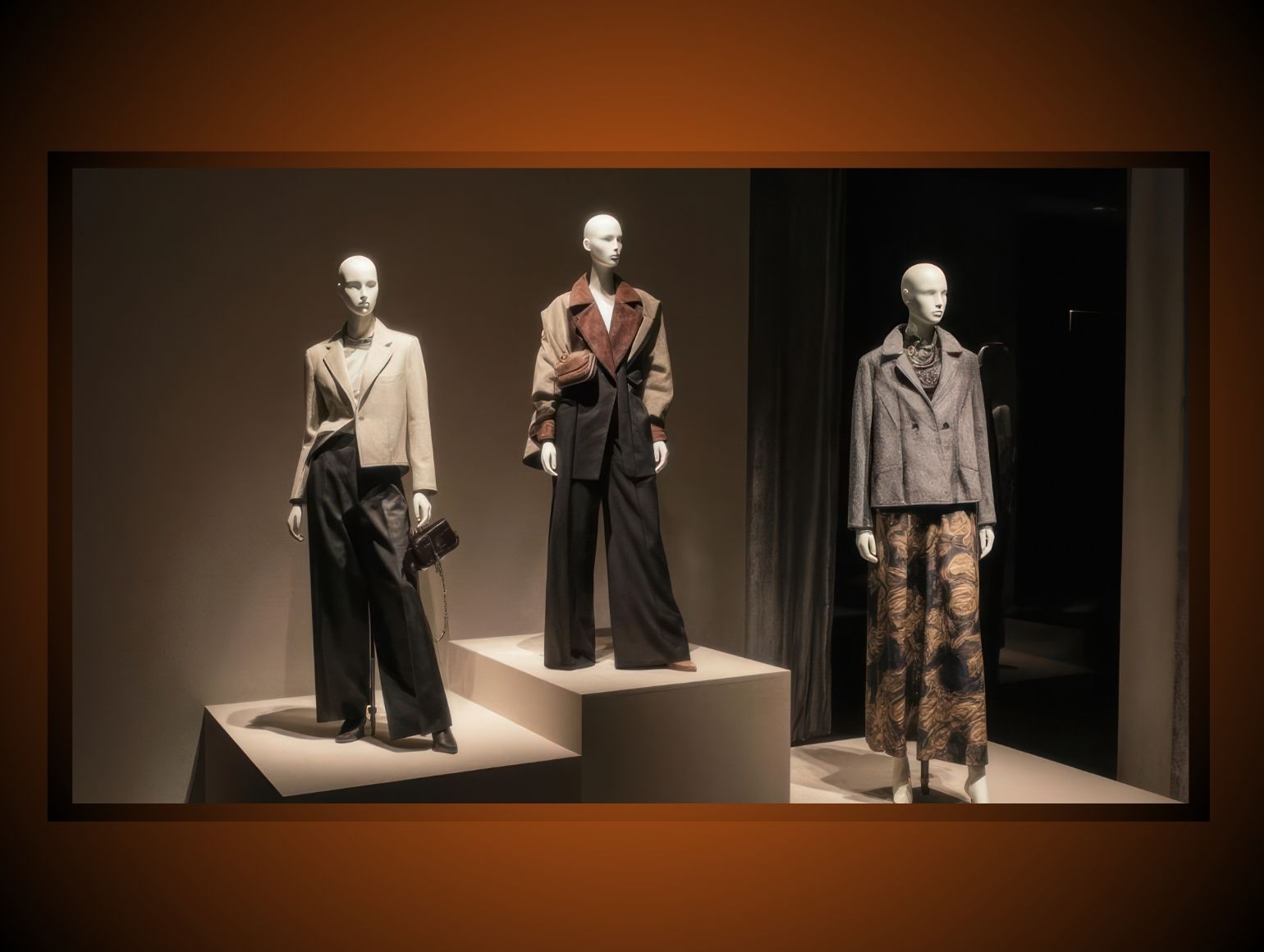
Fashion work is where the distinction becomes operational. Garments with structured seams often need path support, while draped textiles need mask support. Ghost mannequin projects are especially sensitive because shoulders, collars, and interior gaps can collapse if the mask is too aggressive.
Pixofix uses QC loops here because a single pass is rarely enough. Shoulder structure, sleeve openings, and neckline transitions must be checked against the live composite. If the interior join looks warped, reroute the file for layered rebuild rather than trying to rescue it with a quick edge blur.
AI Limitations
AI can speed extraction, but it still struggles with some predictable problems. Skin tone transitions can look waxy. Hands may merge fingers or misread overlap. Jewelry often loses prongs, stones, or fine chain separation. Shoulder structure on apparel can also distort when the algorithm tries to infer missing shape from the frame.
These failures matter because they are not random. They cluster around high-frequency detail, transparency, and overlapping forms. The safe response is not to reject automation. It is to limit it to the right classes of files and require manual correction for the failure modes that recur most often.
Workflow Setup
The cleanest workflow starts at capture. Use consistent lighting, stable camera height, and backgrounds that separate the subject from the plate without creating extra spill. Good source files reduce clipping path correction later and make background removal less destructive.
Then create routing rules. Send rigid shapes to pathing, send soft material to masking, and send reflective SKUs to specialist retouch. Keep naming conventions, layer order, and file handoff rules fixed so that retouchers do not waste time guessing how each asset should be built. This is where colorways and batch structure matter most.
Intake Rules
Build a simple intake sheet with product type, channel, output size, and target background. Add a field for complexity rating so reviewers can flag ghost mannequin work, transparent objects, and mixed-material items before edit begins. That lets the team avoid unnecessary rework.
Retouch Order
Do the cutout first, then shadow work, then color cleanup. If color correction happens before edge refinement, you risk reintroducing halos and edge spill. Keep clipping paths and masks editable until the final export stage.
QC and Delivery
A reliable QC process should inspect edge integrity, shadow realism, crop consistency, and export formatting. Review at native size and zoomed views, then test the file on both dark and light backgrounds. That catches the failures that show up after upload, not just in the editor.
Delivery should be structured around reuse. Keep layered master files in PSD or TIFF, then export web-ready PNG or JPEG files with the correct color profile. If the asset will be reused for ads, marketplace listings, or print catalogs, preserve the path data and alpha channel so the file can move across formats without rebuilding.
Metrics To Track
Track metrics that reflect workflow health, not just output volume. Measure cost per image by product type so path-based work and mask-based work are not blended into one average. Track days from shoot to live listing, because that number reveals whether the bottleneck is retouch, review, or upload.
Other useful KPIs include first-pass approval rate, revision count per batch, and reject rate by channel. If marketplace approval drops, inspect edge quality first. If turnaround time rises, check whether the team is sending too many complex files into a generic automated path. Pixofix monitors these metrics to keep production predictable across mixed catalog drops.
Mistakes To Avoid
Overusing Feathering
Too much feathering makes edges look soft and unclear. It also breaks shape definition on hard goods and weakens contrast on dark products. Keep feather values small and only where the material truly needs it.
Trusting AI On Complex Files
Do not send every reflective or layered product through the same automatic cutout. AI is fast, but it can misread chains, glass, mesh, and shoulder joins. Route those assets to manual review before the file reaches final export.
Flattening Too Early
Flattening before approval removes edit flexibility. You lose the ability to adjust shadows, swap backgrounds, or repair a flawed path. Keep the master layered until the final sign-off.
Skipping Thumbnail Review
A file that looks fine at full size may fail at small display sizes. Check assets in thumbnail form to catch halos, clipped details, and merged forms. This is especially important for marketplace feeds and mobile-first placements.
Choosing The Right Method
The best method depends on product geometry, material behavior, and channel rules. Hard-edged products need precision. Soft and translucent products need controlled extraction. Mixed-material products often need both, with a path on the rigid sections and masking on the detailed sections.
If your team is handling high SKU volume, the goal is not to pick one universal technique. The goal is to create a repeatable routing system that reduces rework and keeps output consistent. That is where the real savings appear: fewer corrections, faster handoff, and cleaner channel approval.




.png)
.png)
