.png)

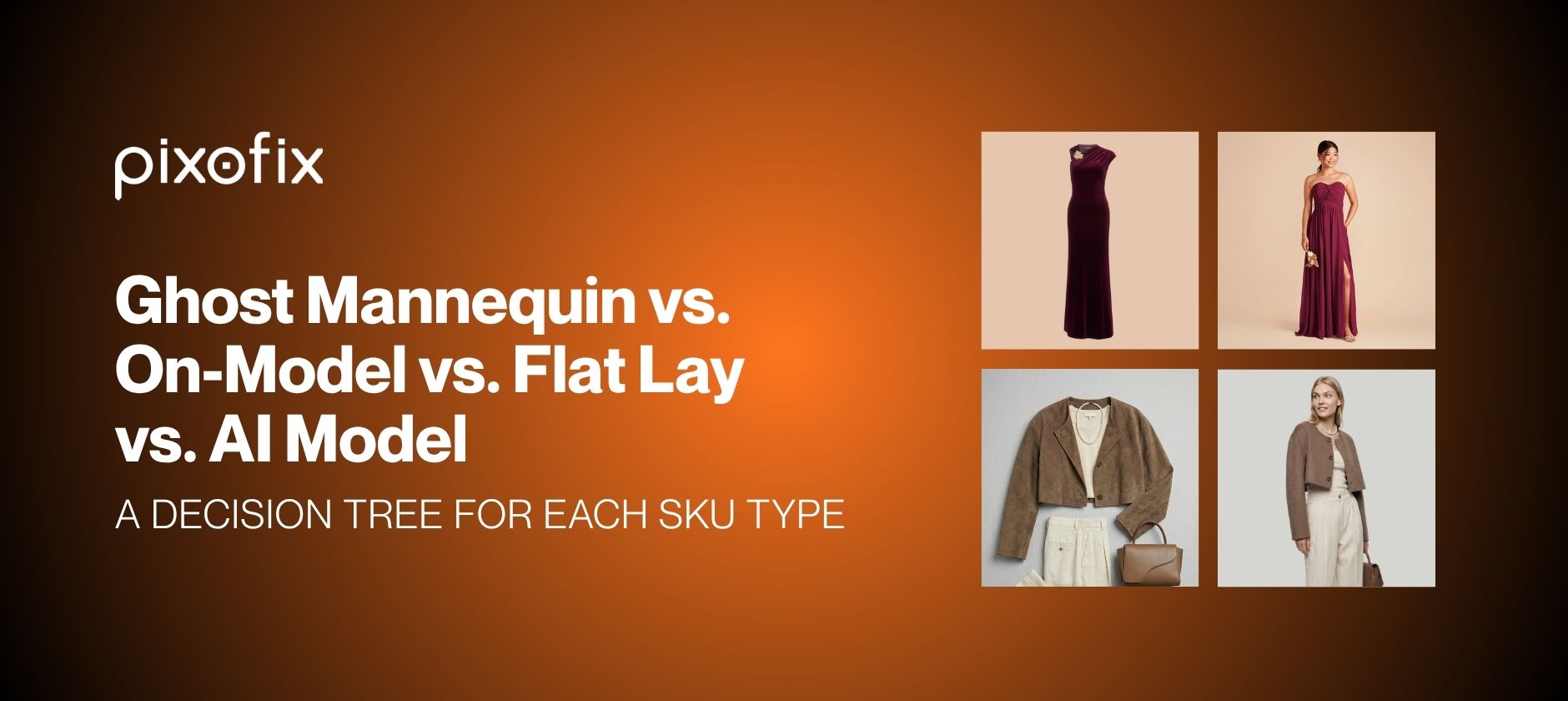
Ghost Mannequin vs. On-Model vs. Flat Lay vs. AI Model: A Decision Tree for Each SKU Type
Most teams still treat ghost mannequin vs. on-model vs. flat lay as an aesthetic debate. At 500 to 10,000 plus SKUs a month, it becomes a production systems question. The wrong choice creates color drift, fit confusion, QC pileups, and missed SLAs, SKU after SKU, channel after channel.
This piece lays out a practical, ROI focused decision tree so you can route each garment to the format that best serves its job: cost, speed, conversion, and return rate, not taste.
What Does Each Photography Format Communicate to Shoppers?
Each format carries a different information payload, and that should drive your choice.
Ghost mannequin communicates structure, pattern, and construction. Necklines, armholes, rise, and paneling read clearly because the garment floats in a neutral 3D volume. It fits categories where silhouette and seam placement matter more than emotional storytelling, such as tailored shirts, blazers, denim, and outerwear. It beats flat lay specifically on jackets and blazers, where shoulder width and lapel roll drive purchase decisions, and on button shirts and knit dresses, where a flat lay would distort hem length or hanger stretch. Ghost mannequin also reuses lighting and clipping paths consistently across colorways, which simplifies QC.
On-model photography communicates proportion and attitude. Customers read body ratio, drape, and movement in one glance. It wins conversion on fitted garments, trend pieces, and any SKU where styling context reduces returns, including denim, dresses, swim, and performance apparel. Flat lay hides cling. Ghost mannequin flattens volume. On-model reveals both, which is why it should default to primary hero treatment for occasionwear, tailoring above a certain price band, and swim and lingerie, where coverage and support must be unmistakable.
Flat lay communicates surface detail and color. Texture, knit patterns, and print placement are easy to read, but volume and drape are not. It works for knitwear, tees, basics, accessories, and any product with a strong graphic story. It is also the simplest input for AI model imagery.
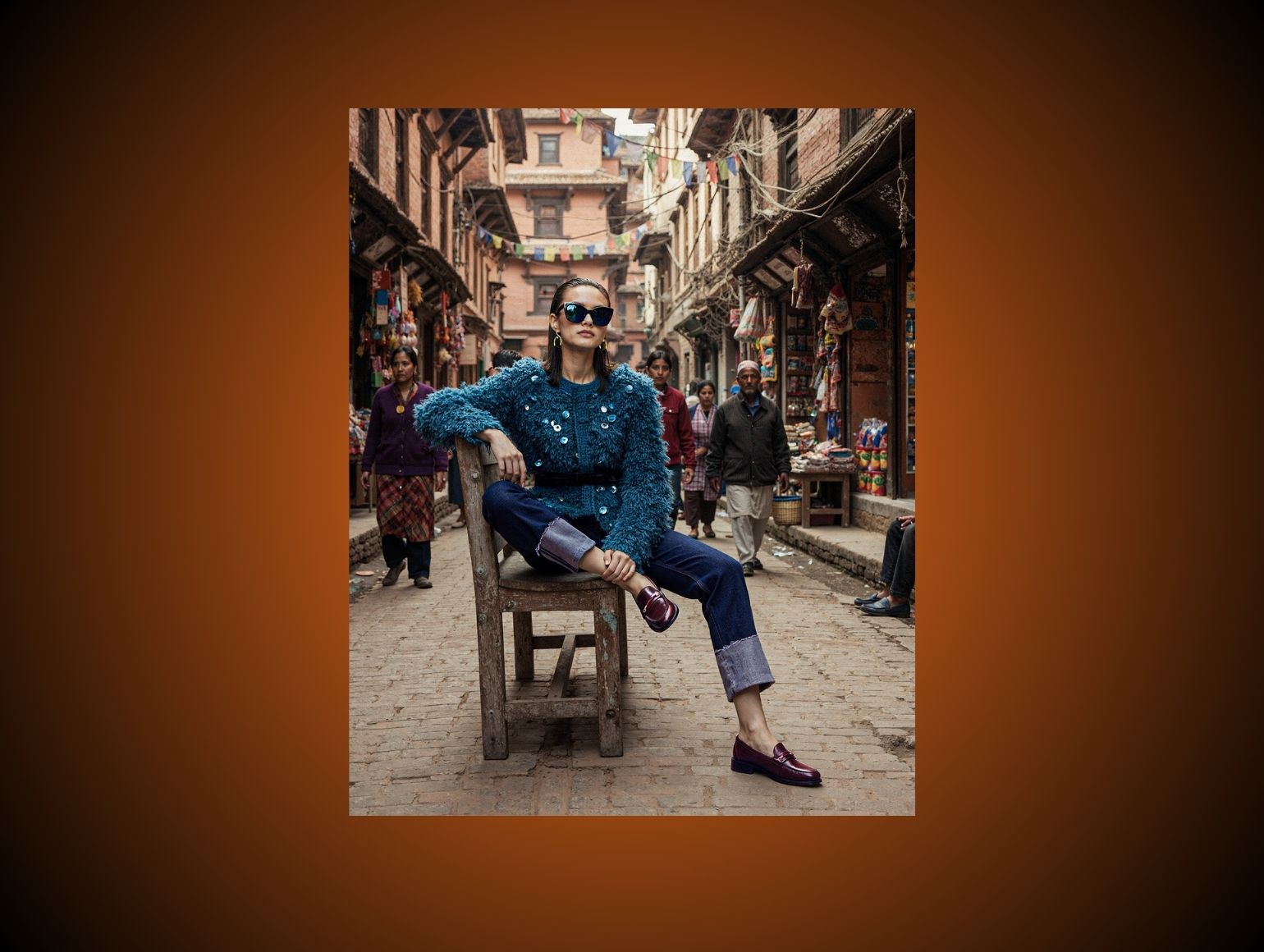
AI model imagery gives on-model context without a physical shoot. Used correctly, it bridges ghost mannequin or flat lay with lifestyle context. It is strong for speed testing, long tail colorways, and catalog fill where fully produced sets are not economical, but it requires active QC for skin texture, hand anomalies, and inaccurate garment mapping.
How Do Cost, Speed, and Return Risk Compare Across Formats?
The table below breaks down each format across the three axes that actually matter at catalog scale: production cost, time to live, and downstream return risk.
Flat lay is generally the least expensive format, since it needs minimal set, simple lighting, and lighter retouching. Ghost mannequin adds mannequin handling and more intricate masking, which increases post-production time. On-model photography carries talent, styling, hair and makeup, and higher retouching loads, especially near beauty-level work. AI model can cut shoot costs on paper, but the cost shifts to prompt iteration and QC if you want consistency across a real garment catalog.
On speed, flat lay and ghost mannequin run fastest in batch, especially with defined angles and lighting. On-model is constrained by casting, scheduling, and set resets, so it trades throughput for conversion. AI model is fast for one to ten SKUs, but at 500 plus you hit drift problems across lighting, skin tone, and pose that slow QC down and create post-production bottlenecks, effectively erasing the speed advantage.
Which Format Fits Which Sales Channel?
Different channels value different signals. Plan formats by where the images will actually live, not by internal production convenience.
PDP on your own site. Fit and construction clarity matter most here. For core apparel, a hybrid stack works best: on-model hero, ghost mannequin or flat lay technical views, and detail crops. For lower-tier basics, ghost mannequin plus detail shots can carry the page without live models.
Marketplaces. Marketplaces tend to constrain styling and cropping, and rules around AI-generated and virtual model imagery are still evolving across platforms. Ghost mannequin and flat lay are the safer default here. For some categories, on-model photography is mandatory. Confirm your marketplace's current image and AI-disclosure policy directly before publishing, since these rules change without notice; see our ghost mannequin service comparison for format-specific guidance by platform.
Social and paid media. On-model and AI model dominate here, since scroll-stopping creative usually needs a face or a body in environment. Flat lay becomes supporting content for carousels and education. Ghost mannequin is rarely a hero placement in social, but works well in remarketing or size and fit explainers.
Wholesale and B2B. Buyers need technical clarity and speed. Ghost mannequin and flat lay, with consistent angles and color-accurate files, usually beat high-art-direction on-model photography for line sheets and B2B portals.
How Do You Build a SKU-Level Decision Tree?
Start with garment category, then layer in price tier. That two-step sequence sets your production investment per SKU before you route by channel using the framework above.
Sort by garment type:
- Tees, tanks, basic knits: flat lay primary, ghost mannequin secondary for fitted styles, AI model or on-model for hero SKUs only
- Denim, tailored bottoms, structured skirts: ghost mannequin plus on-model on at least one body type
- Dresses and jumpsuits: on-model primary, ghost mannequin or flat lay for technical back and detail views
- Outerwear and blazers: ghost mannequin plus on-model at higher ASP
- Activewear and performance: on-model plus dynamic poses, AI model only as supporting content if QC capacity is tight
- Accessories and bags: flat lay primary, on-body detail shots optional, AI model for quick styling context
Add price point and margin. Define internal tiers, for example:
- Tier C, under $40, low-margin basics: flat lay or ghost mannequin only, three to five angles, no on-model except campaign overlap
- Tier B, $40 to $120, core apparel: hybrid stack, on-model hero for fit-sensitive pieces, ghost mannequin or flat lay for back and details, roughly five to eight images per SKU
- Tier A, $120 plus, higher-margin or brand-critical pieces: full on-model set plus ghost mannequin or flat lay plus close-ups, roughly eight to twelve images per SKU
Set an explicit cost-per-image ceiling for each tier before production starts. If your Tier B ceiling is $15 per image, uncontrolled AI experimentation that needs heavy retouching cleanup will blow through it fast.
When Should You Use AI Model Imagery, and Where Does It Break Down?
AI model imagery is a testing accelerator, not a production replacement.
Where it works well:
- Validating which colorways deserve full on-model photography. Generate AI model images from flat lay inputs for every colorway, run a quick comparison test, then commit studio time only to the winners.
- Creating early PDPs for preorder or wholesale before final samples are ready, using virtual models on CAD references.
- Generating social and email creative at scale while your studio is shooting hero looks.
Where it breaks down at catalog scale. AI tools perform impressively on one-off images. At 500 to 10,000 SKUs a month, the following issues multiply into a QC problem instead of an edge case: lighting drift across batches and days, color inconsistency on nuanced fabric tones and dark shades, garment distortion when models sit, twist, or raise arms, jewelry reflections that do not match scene lighting, and skin texture or finger anomalies. AI model workflows generate output fast, but studio-grade fashion imagery still needs a human editor correcting garment fidelity and color accuracy before it reaches a PDP; Pixofix's AI PDP workflow pairs AI generation with human retouchers for exactly this reason, checking every image against brand color and fit standards before delivery.
How Do You Keep AI and Human QC Working Together?
The sustainable approach is AI creation plus human perfection: AI handles the first pass, layout, pose, and base lighting, and a human team checks every file against hard standards.
Humans should own: color matching against physical swatches, edge refinement on hair, straps, and semi-transparent fabrics, cleanup of hand and finger details AI often muddles, and alignment with brand posing and cropping standards across all model types.
At catalog scale, this pairing is what prevents drift. Pixofix's AI Models Agency generates AI model shots from flat lay inputs, then routes every image through human QC to catch color mismatches, distorted hems, and skin artifacts before delivery, so 500 SKUs from different sources still read as one controlled studio output. AI gives you speed. Human QC gives you consistency across seasons and catalog refreshes.
How Do You Build a Hybrid Catalog That Converts?
A single catalog-wide format standard is tempting and also risky. Use a tiered strategy instead: entry-tier SKUs run flat lay or ghost mannequin only, core-tier SKUs run a hybrid stack, and flagship-tier SKUs get full on-model sets plus technicals and detail crops.
Structure your image order with intent. Lead with an on-model or AI model hero shot, follow with a secondary back or side view, add ghost mannequin or flat lay technicals for construction-heavy pieces, then detail crops for fabric and trim, then a styled context shot. Ghost mannequin handles clarity. On-model handles desire. Flat lay and details answer material questions.
Keep the visual language stable across formats: consistent backgrounds and shadows, defined angle sets per category and tier, and a single color-correction workflow so colorways match regardless of source format. High-volume catalogs that mix in-house shoots, outsourced studios, and AI generation need this standardization the most; Pixofix's photo retouching service applies one color and lighting standard across all four formats within a 24 to 48 hour batch turnaround, which is what keeps a mixed-source catalog from looking mixed-source.
What Mistakes Increase Return Risk in Format Selection?
Prioritizing style over clarity. Highly stylized on-model photography or AI model art direction that obscures garment shape leaves customers unable to read fit. They order the wrong size, returns spike, and merchandising absorbs the cost while marketing sees strong social engagement. Reserve heavy styling for campaign assets; every PDP needs at least one clean, front-facing image, supplemented with ghost mannequin or flat lay where construction is complex.
Letting color drift between formats. When color varies between ghost mannequin, flat lay, on-model, and AI model shots of the same SKU and colorway, customers receive garments that look different from the images, especially in sensitive shades like navy, burgundy, or neons. This is the single largest driver of "color not as pictured" returns. Fix it with a defined color QC loop against physical swatches, and never ship AI output uncorrected.
Forcing one format across every category. Standardizing on a single format, usually ghost mannequin or flat lay, to simplify operations strips fit-sensitive categories like denim and dresses of on-model context. Return rates climb even though production feels efficient, and high-ASP pieces look underinvested. Build and enforce the SKU decision tree above instead of defaulting to whichever format is cheapest to produce.
Which Metrics Should You Track to Validate Format Choices?
Track these five at minimum, broken out by format and tier:
- Cost per image, including retouching and QC costs, not just shoot or generation cost.
- Days from shoot or input to live PDP, targeting two to five days once workflows are tuned. Any AI workflow that looks instant but needs a week of rework is failing this metric.
- QC pass rate by batch, tracking the percentage of images that pass first review without revisions. AI-heavy pipelines tend to run lower first-pass rates unless paired with strong human review.
- SLA hit rate, logging the percentage of batches delivered within your agreed window and correlating misses with format mix.
- Return rate by format mix, comparing return reasons across ghost-mannequin-only, on-model, flat-lay-only, and hybrid PDPs, with specific attention to "too small," "too large," and "not as pictured" flags.
Use these five to adjust your decision tree over time so format choice supports both conversion and return reduction, not just production speed.
Pre-Publish Checklist Before You Route a SKU
Final Thoughts
The format debate only looks like an aesthetic choice from the outside. Inside a production pipeline running hundreds or thousands of SKUs a month, it is a routing problem with direct line items in cost per image, days to live, and return rate. Build the decision tree once, based on garment type, price tier, and channel, and every future SKU routes itself instead of triggering a new debate.
Route your next catalog batch through a team that already runs this decision tree at scale. Book a demo and get a sample set back showing ghost mannequin, on-model, and AI model output on your own SKUs within 48 hours.




.png)
.png)
