.png)

Best Vmake AI Alternatives in 2027
Why Consider Alternatives to Vmake AI?
Vmake AI, built by Vmake Labs, covers a wide range of jobs in one dashboard: UGC-style ad generation, AI avatar videos, viral-style recreation, video upscaling and enhancement, watermark and logo removal, background removal, noise reduction, and automatic captioning. It's aimed at ecommerce sellers, affiliate marketers, and social media teams generally, optimized for TikTok, Instagram Reels, YouTube Shorts, Shopify listings, and Amazon Inspire, rather than any single content niche. That breadth is a genuine strength if you'd otherwise be juggling three or four separate single-purpose tools.
Vmake's own pricing page lists a Free plan with 20 credits a day, a watermark on exports, and one core-tool use up to 10 times daily; a Plus plan at 1,000 monthly credits with 1080p export and commercial use rights, usable up to 10 times a day per tool; and a Pro plan at 4,500 monthly credits that unlocks 2K and 4K export and 50 uses a day per tool. Worth flagging directly: Vmake doesn't publish exact dollar prices for Plus or Pro anywhere I could find, credits and use limits are listed, the monthly cost isn't. That's a real transparency gap compared to competitors like Canva or CapCut, who list their prices plainly.
On reputation, the tool holds a respectable 4.4 out of 5 on Trustpilot across 957 reviews as of this check, so output quality isn't the core complaint for most users. What I found reading through recent reviews directly is a specific, repeating pattern around billing: multiple March 2026 reviewers describe subscriptions renewing after they'd opted out of auto-renewal, and slow, email-only support when they tried to get it resolved or refunded. That's a verifiable pattern worth knowing about before you subscribe, separate from whether the AI tools themselves work well.
Top 5 Vmake AI Alternatives for 2026
Canva
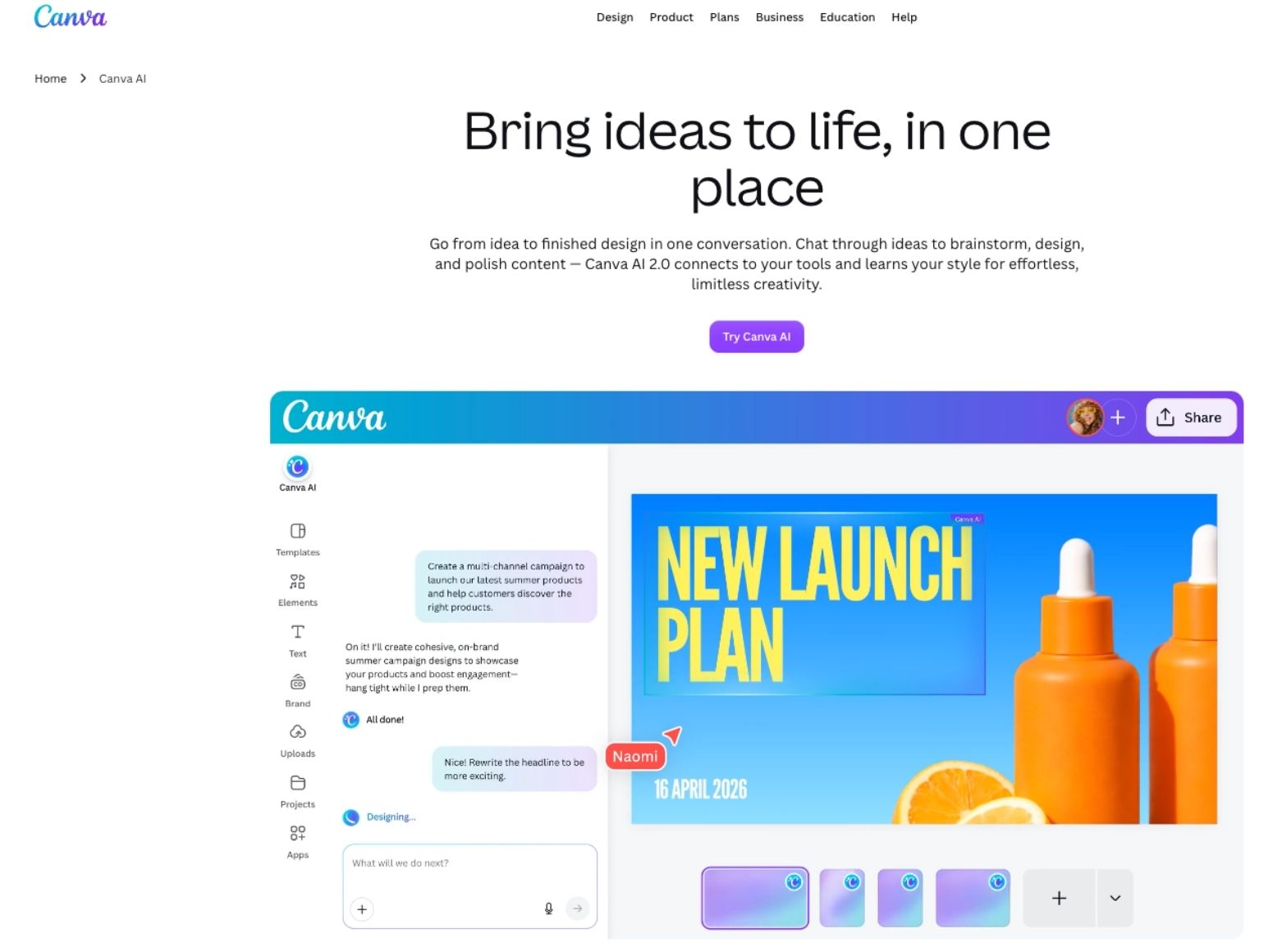
Canva's video editor and Magic Studio AI tools (AI video generation, background removal, resizing, Magic Write, Magic Layers) live inside the same all-purpose design subscription many marketing teams already pay for. The Free plan includes the video editor but caps AI use at roughly 200 standard or 20 premium AI actions, and AI video generation specifically is gated to Pro and above. Pro runs $180 a year, close to $15 a month, and gives 10 times the AI allowance of Free across standard, premium, and ultra AI tiers.
Pros: bundles video into a tool most marketing and design teams already use daily, so there's no new login or workflow to learn; strong template library; predictable annual pricing.
Cons: AI video generation isn't available on the free tier at all; video is one feature among hundreds in a very broad product, not a specialized video workflow.
Best for: teams already using Canva for design work who want basic AI video folded into an existing subscription rather than adding a new one.
Simplified
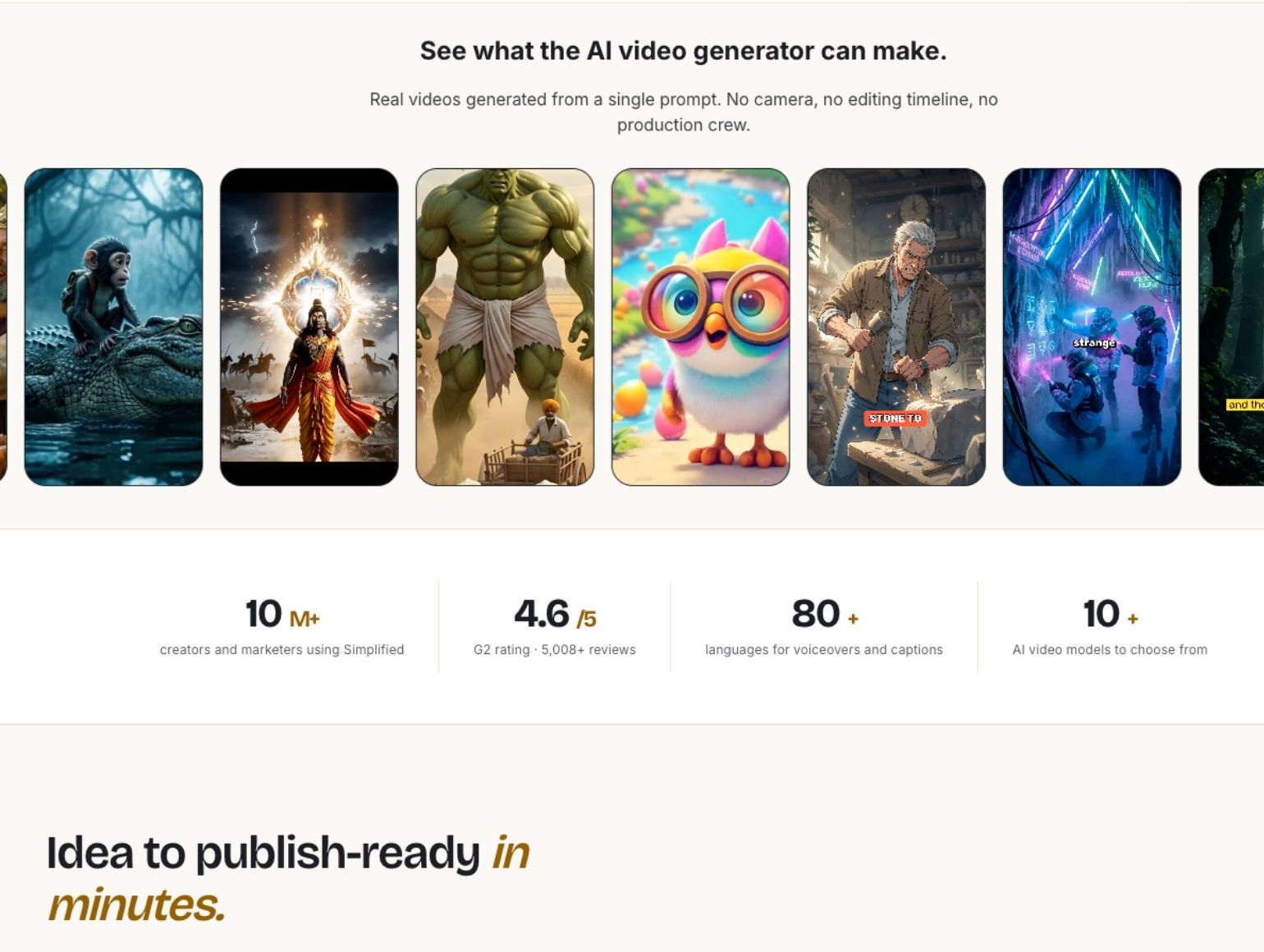
Simplified bundles a text-to-video generator, one-click captioning with trend-driven caption styles, AI voiceover and voice cloning, and content repurposing, turning long recordings into short, platform-ready clips with a virality score, inside a broader marketing suite that also produces social posts, ad creative, and on-brand assets. Its Starter plan runs $79 a month, and it's priced and positioned as a full campaign platform, "finished campaigns back: social posts, email sequences, and ad creative," not a video-only tool. Extra campaigns beyond the plan's allotment cost $10 each.
Pros: video sits alongside the rest of a brand's content production, useful if you want one platform instead of five; strong repurposing and captioning features aimed specifically at short-form social content; voice cloning for consistent brand tone across videos.
Cons: at $79 a month for the entry tier, it's priced well above any single-purpose video tool in this comparison, and that price only makes sense if you'll actually use the non-video parts of the platform too.
Best for: marketing teams that want video production handled alongside social posts and ad creative in one subscription, not a team specifically shopping for the cheapest video editor.
CapCut
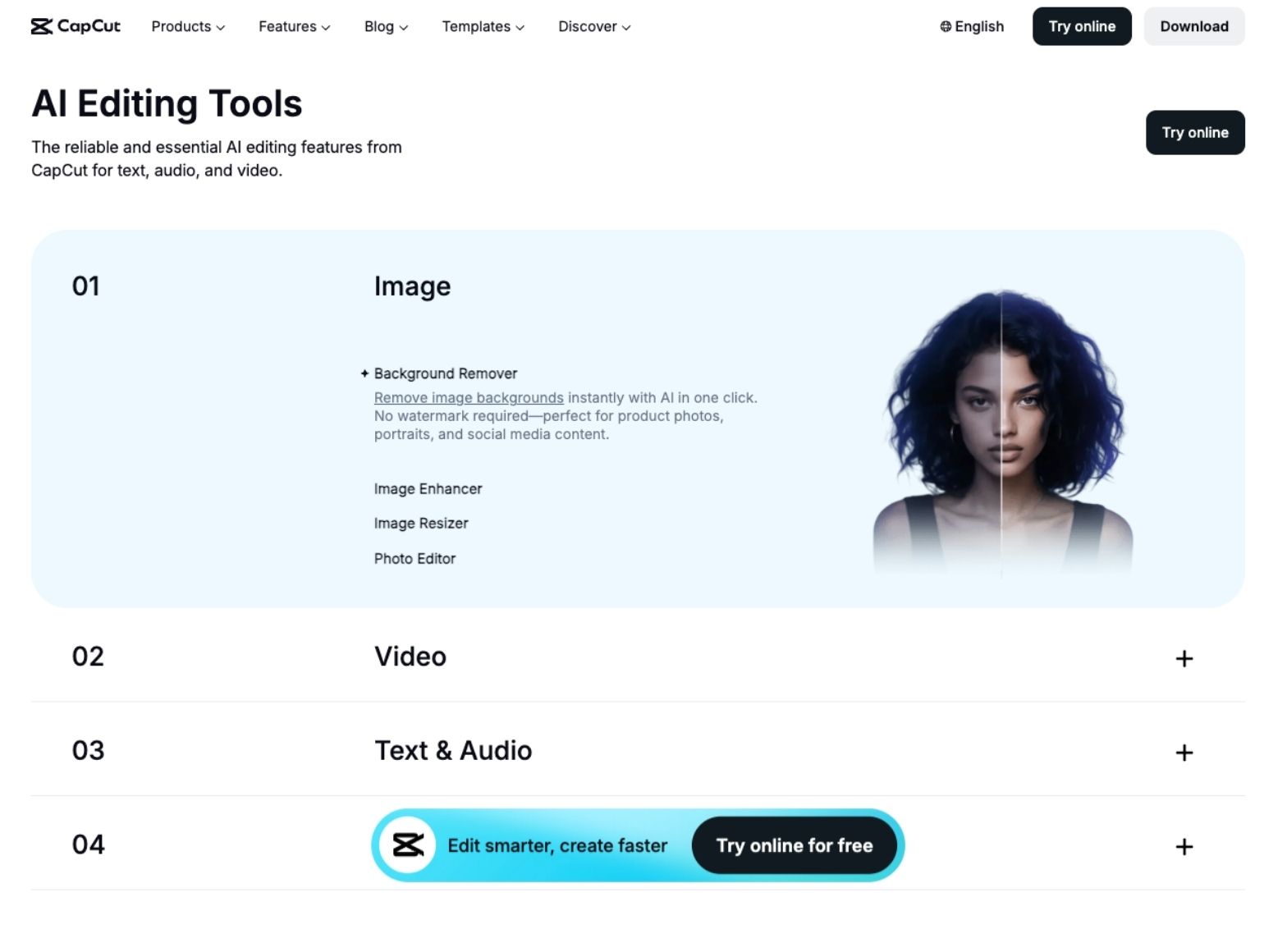
CapCut's free tier covers 1080p export, a real template and manual editing toolkit, and limited AI access, with a watermark on some exports. Standard, around $9.99 a month, removes the watermark and unlocks more effects but keeps AI access limited. Pro, $19.99 a month or roughly $15 a month billed annually, adds 4K/60fps export and CapCut's more advanced AI tools: camera tracking, flicker removal, and vocal isolation.
Pros: the strongest genuinely free tier of any tool in this comparison, usable without a subscription for straightforward edits; broad manual editing controls for creators who want more than pure automation; mobile and desktop apps with a large template ecosystem.
Cons: the most advanced AI features are locked behind Pro, and pricing varies by platform (App Store, Google Play, and desktop pricing don't always match, with the desktop site typically offering the better rate).
Best for: budget-conscious creators and social teams who want a genuinely usable free tier and are willing to pay only once they specifically need 4K export or CapCut's advanced AI extras.
Topview.ai
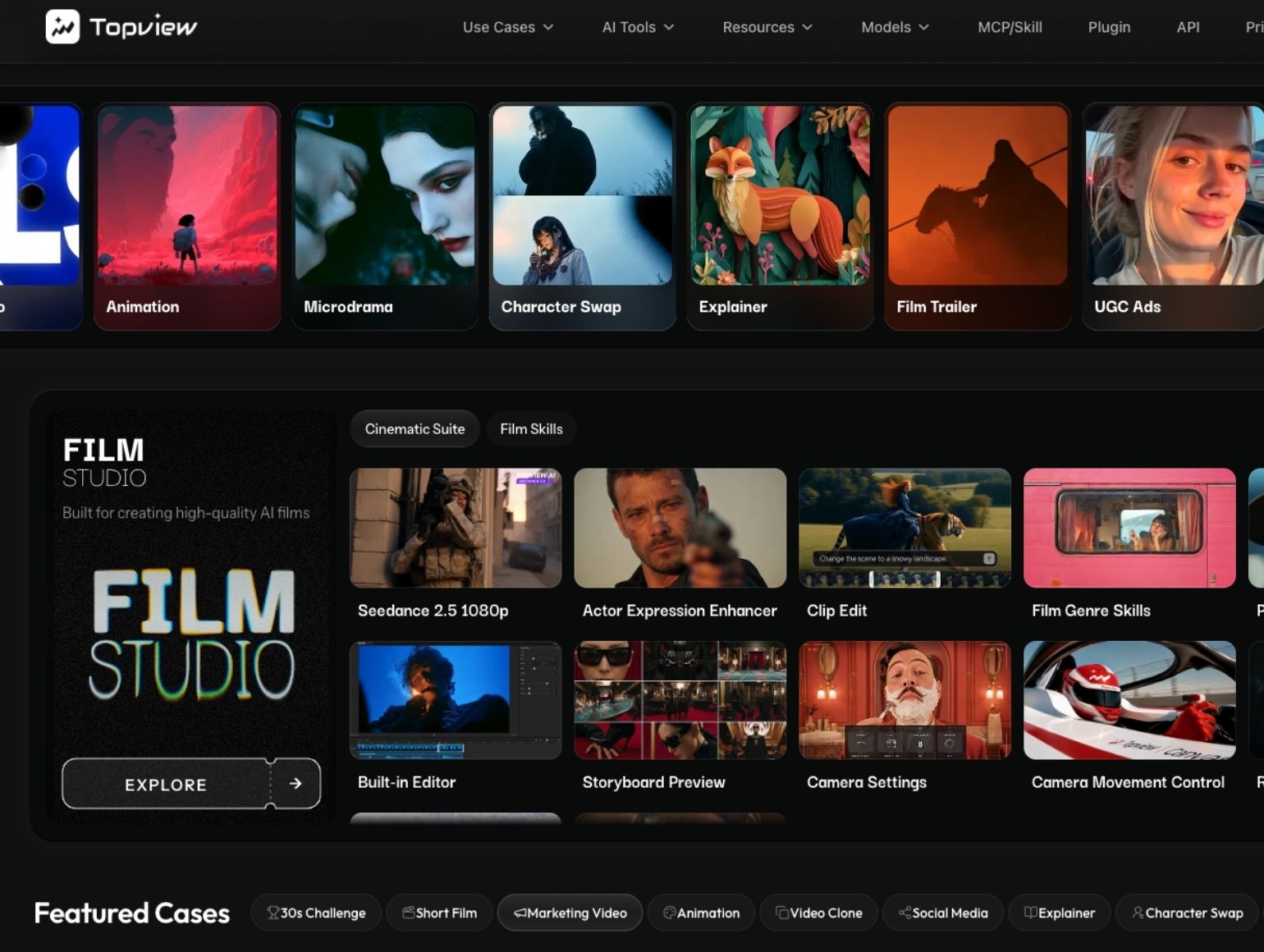
Topview is built specifically around UGC-style ad generation and multi-scene product video at volume: an AI Video Agent that plans and generates multi-scene videos, AI presenters for UGC-style ads, reference-video style cloning, face and character swaps, and a unified asset board across video, image, audio, and avatar models. Pricing is tiered rather than a single number: Pro runs $16 a month billed annually for 960 credits a year, Business runs $44 a month annually for 3,000 credits a year and is positioned for "films, short series and bulk creation," Ultra runs $50 a month for 500 credits a month, and Team runs $56 a month per seat with 500 credits per seat and collaborative workspace tools. Credit costs vary by output, video generation runs roughly 1.2 to 64.8 credits depending on resolution and model, image generation roughly 0.15 to 1.4 credits.
Pros: purpose-built for ecommerce and marketing teams producing UGC-style ads or product videos repeatedly, not occasional one-off clips; a genuine production workflow (plan, generate, compare, refine) rather than a single generate button; collaborative team tier available.
Cons: the tiered, model-dependent credit pricing takes more effort to map against your actual monthly output than a flat subscription would, and the entry Pro tier's 960 credits a year works out to a fairly modest monthly budget once you account for higher-resolution generations.
Best for: ecommerce and marketing teams producing UGC-style ads or multi-scene product videos at real, repeated volume, not a single campaign.
Unifab AI
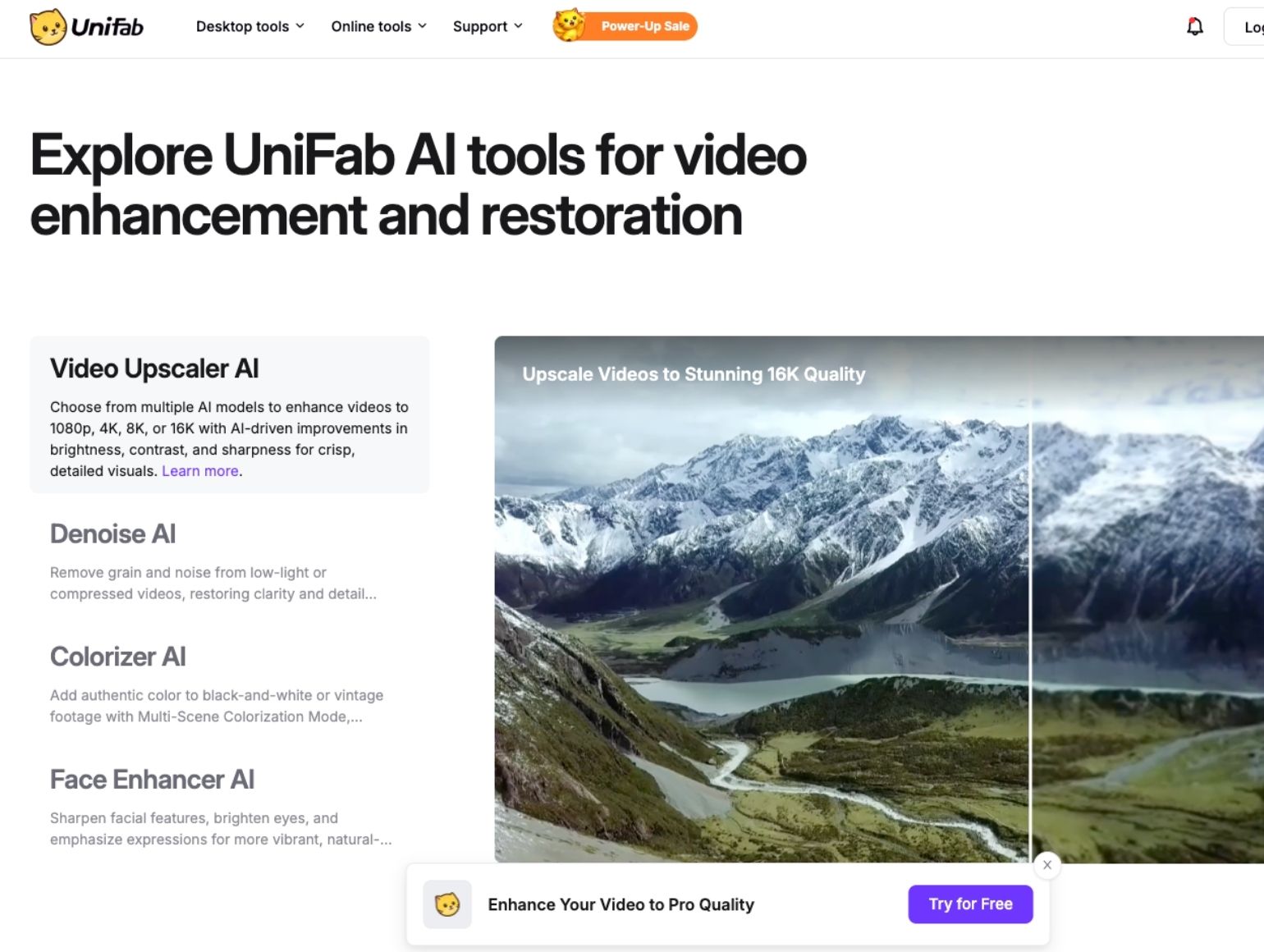
Unifab is the closest direct match to Vmake's own enhancement toolkit specifically: video upscaling, HDR upconversion, and online subtitle generation, all part of its broader FabCloud suite of desktop and cloud AI tools. Rather than a flat monthly credit allotment, Unifab prices by the minute of processing, subtitle generation runs about 1 credit a minute in fast mode or 0.7 in background mode, and upscaling or HDR conversion starts around 0.5 to 1 credit a minute, with local-plus-cloud processing modes running as low as 0.2 credits a minute. Unifab offers a 600-credit and a 1,000-credit subscription option, though, like Vmake, it doesn't display the dollar price for either plan without clicking through to checkout, a 30-day free trial with three trials per module, and a pay-as-you-go option valid for a year. It also states directly that uploaded media is never used to train its models, a specific commitment neither Vmake nor most of the other tools here make explicitly.
Pros: the most direct feature match for Vmake's upscaling and subtitle tools specifically; usage-based per-minute pricing that can be cheaper than a flat monthly plan if your volume is unpredictable; explicit no-training-on-your-media policy.
Cons: like Vmake, exact subscription pricing isn't published without starting a checkout flow, which makes it harder to compare at a glance; it's narrower in scope than Vmake, focused on enhancement rather than UGC ad generation or avatar video.
Best for: users who specifically need Vmake-style upscaling, HDR conversion, or subtitle generation and want granular, usage-based pricing along with a clear data-use commitment.
Vmake AI Alternatives at a Glance
Here's how all five compare side by side before the decision framework below.
Features to Look for in Video Editing Tools
Four things matter more than any single feature on a pricing page. AI-driven enhancement quality varies more between tools than the marketing copy suggests, the same "AI upscaling" label covers meaningfully different results depending on the underlying model, so check recent, dated user feedback rather than a demo reel alone. 4K processing is increasingly standard across this category, but several tools gate it behind a paid tier (Vmake's Pro plan, CapCut's Pro plan), so confirm it's actually included at the plan you'd realistically buy, not just available somewhere in the product. An intuitive interface matters most if your team doesn't have a dedicated video editor on staff, a powerful tool nobody on the team can operate quickly becomes shelfware regardless of what it's capable of. And integration with your existing workflow, your Shopify store, your ad platform, your asset library, saves real time over exporting from one tool and re-uploading into another. Community and support channels are also worth checking before you commit to an annual plan, since as the Vmake reviews above show, that's often where the real friction shows up, not in the AI output itself. For ecommerce brands specifically, what makes a product video actually drive engagement and sales usually matters more in practice than which AI model generated it.
User Feedback and Reviews
Across this category, a consistent pattern shows up: users are generally positive about output speed and how quickly they can go from a raw clip or photo to something publishable, and the recurring complaints skew toward billing and cancellation friction rather than video quality itself. That's the exact shape of Vmake's own Trustpilot reviews, a 4.4 out of 5 overall rating sitting alongside specific, dated complaints about auto-renewal and slow support, and it shows up in reviews of other credit-based tools in this space too. The practical takeaway is to read a tool's most recent negative reviews specifically for support responsiveness and cancellation experience before committing to an annual plan, since that's where real dissatisfaction concentrates across this whole category, not usually in whether the AI output itself looks good.
Pricing Comparison
The five alternatives split into three different pricing logics, and knowing which one you're looking at matters more than comparing headline numbers directly. Canva and CapCut use flat tiered subscriptions with clearly published prices, you know exactly what you'll pay before you sign up. Simplified is priced as a full marketing suite rather than a video tool, so its $79 entry price only makes sense against the value of the whole platform, not against a single-purpose competitor. Topview.ai and Unifab both use credit systems, but they work differently: Topview's credits are tiered into named plans with a published monthly-equivalent price, while Unifab and Vmake itself both obscure the actual dollar cost until checkout, credits and use limits are public, price isn't. If a tool's actual monthly cost isn't published, that's worth treating as a data point on its own, not just an inconvenience, since it makes it harder to budget for or compare honestly against alternatives that do publish their pricing.
Final Recommendations
For a genuinely free starting point, CapCut's free tier is the most usable without any subscription at all. For teams already inside Canva or a full marketing suite like Simplified, staying in that existing ecosystem for video usually beats adding a new standalone tool and a new bill. For ecommerce and marketing teams producing UGC-style ads or product videos at real volume, Topview.ai is purpose-built for exactly that job. For Vmake's own core strength, upscaling and enhancement specifically, Unifab is the closest direct swap, with more transparent per-minute pricing logic even if the dollar figures themselves aren't published upfront. If your team would rather not operate any of these tools directly and review the output yourselves, that's a different kind of decision than choosing between them, and outside the scope of a tool comparison like this one.





.png)
.png)
