.png)

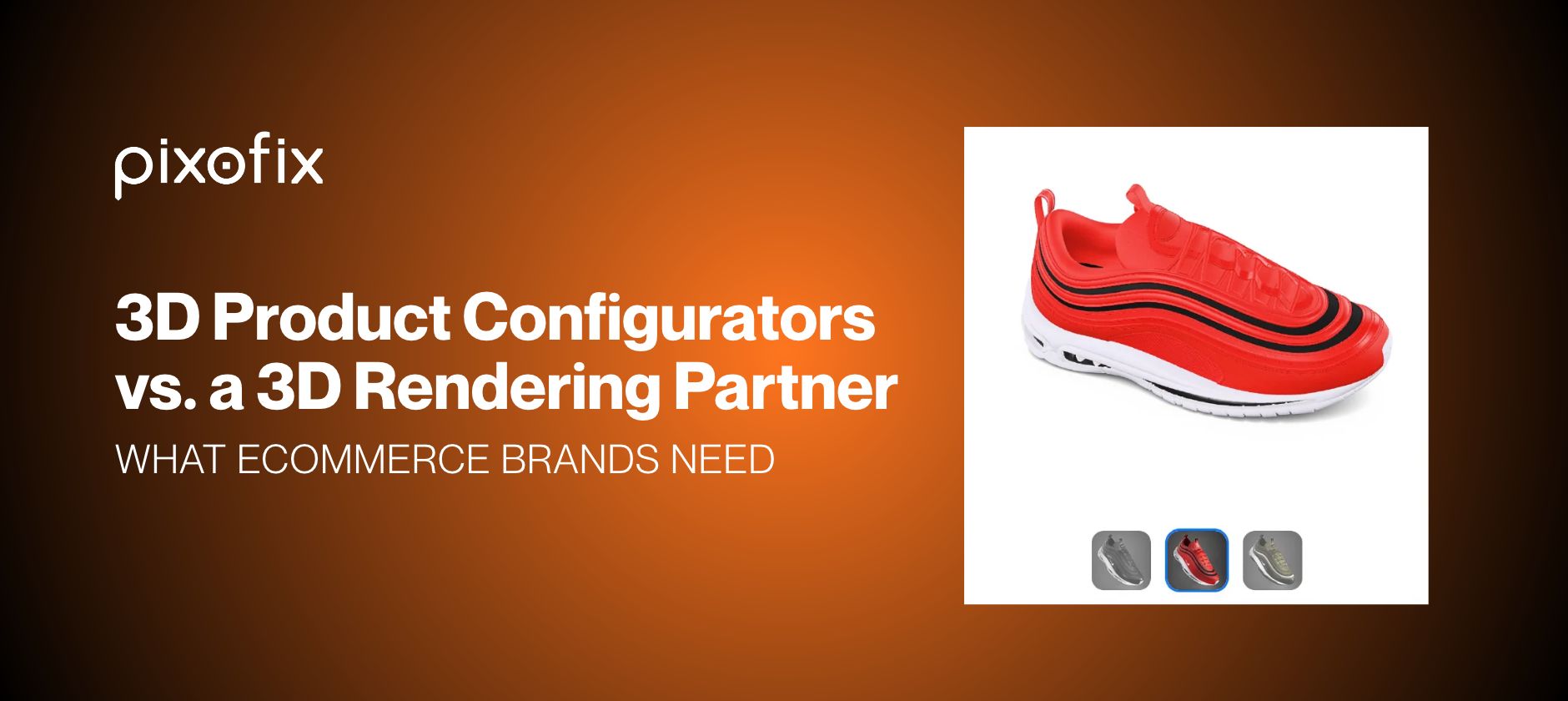
3D Product Configurators vs. a 3D Rendering Partner: What Ecommerce Brands Need
A 3D product configurator lets shoppers choose materials, colors, or dimensions and see the result in 3D before they buy. A 3D rendering partner produces a fixed set of images, spins, and video from a model. The deciding question is whether your shoppers need to choose in real time. If they do, you need a configurator. Either way, you need an accurate 3D model first, and that is the part brands tend to underestimate. Neutral data on sales lift is thin for both, so this guide is about fit, not promises.
What a Configurator Is, and What Sits Behind It
Shopify's guide to 3D ecommerce describes product configuration software as a way for each customer to build and interact with a custom digital prototype before buying, adjusting materials, color, size, or style. The same guide describes the whole job in two steps: create 3D models of your products, then develop a virtual space where customers can interact with them.
The second step is software, and it is what configurator providers sell. The first step is production. Someone has to build an accurate model of every product, and the configurator can only be as good as that model. It is the part I would plan first.
What a Rendering Partner Delivers
A rendering partner builds the model and then produces images from it. Shopify describes the stages as modeling, texturing, lighting, camera setup, rendering, and post-production. The output is a fixed set of assets: product page stills, 360 spins, lifestyle scenes, and video. At Pixofix, every one of those formats comes from a single model.
Shoppers see what you publish. They cannot change a material or a color themselves, so each variant you want to show has to be rendered. In exchange, the assets go anywhere: your site, marketplaces, ads, and social. Our comparison of 3D rendering and photography covers when renders beat a shoot.
The Deciding Question: Do Shoppers Choose in Real Time?
Configurators earn their place where choice is the product. Shopify's guide points to personalized items, where many brands do not allow returns, so shoppers need confidence in their choices before they commit. If that describes your catalog, a configurator is the right tool, and a rendering partner is not a substitute.
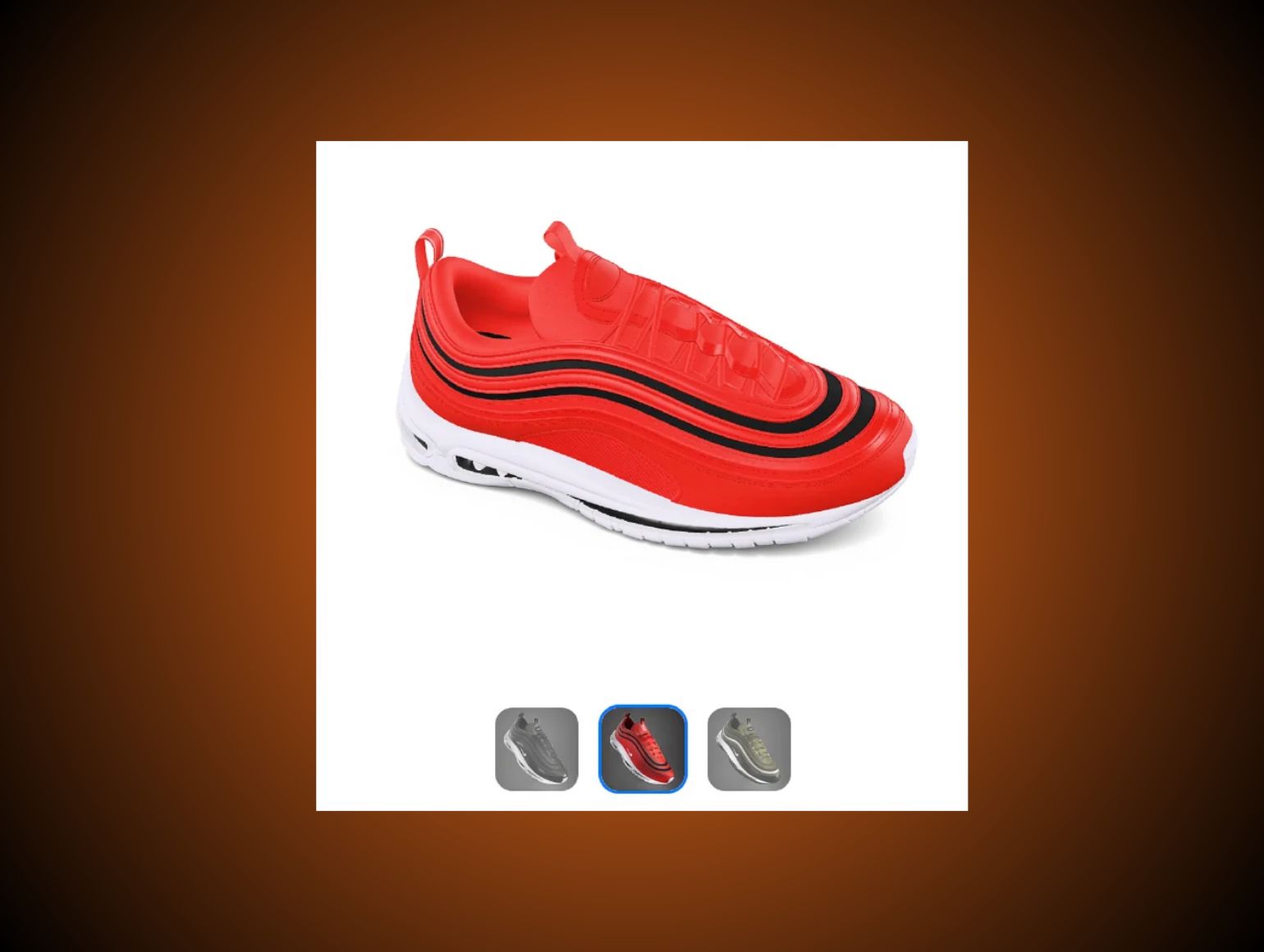
If you sell a fixed set of variants, such as six colorways of one shoe, you do not need live choice. Rendering each colorway gives shoppers the same information in every place you sell.
The number of combinations is the practical test. Suppose a product comes in six materials, eight colors, and five sizes. Those are hypothetical numbers, and they make 240 combinations. Rendering all of them is rarely sensible, while a configurator can show any of them on demand. At six variants the reverse holds. I would count combinations before comparing providers.
What a Configurator Needs Behind It
Four requirements are easy to miss.
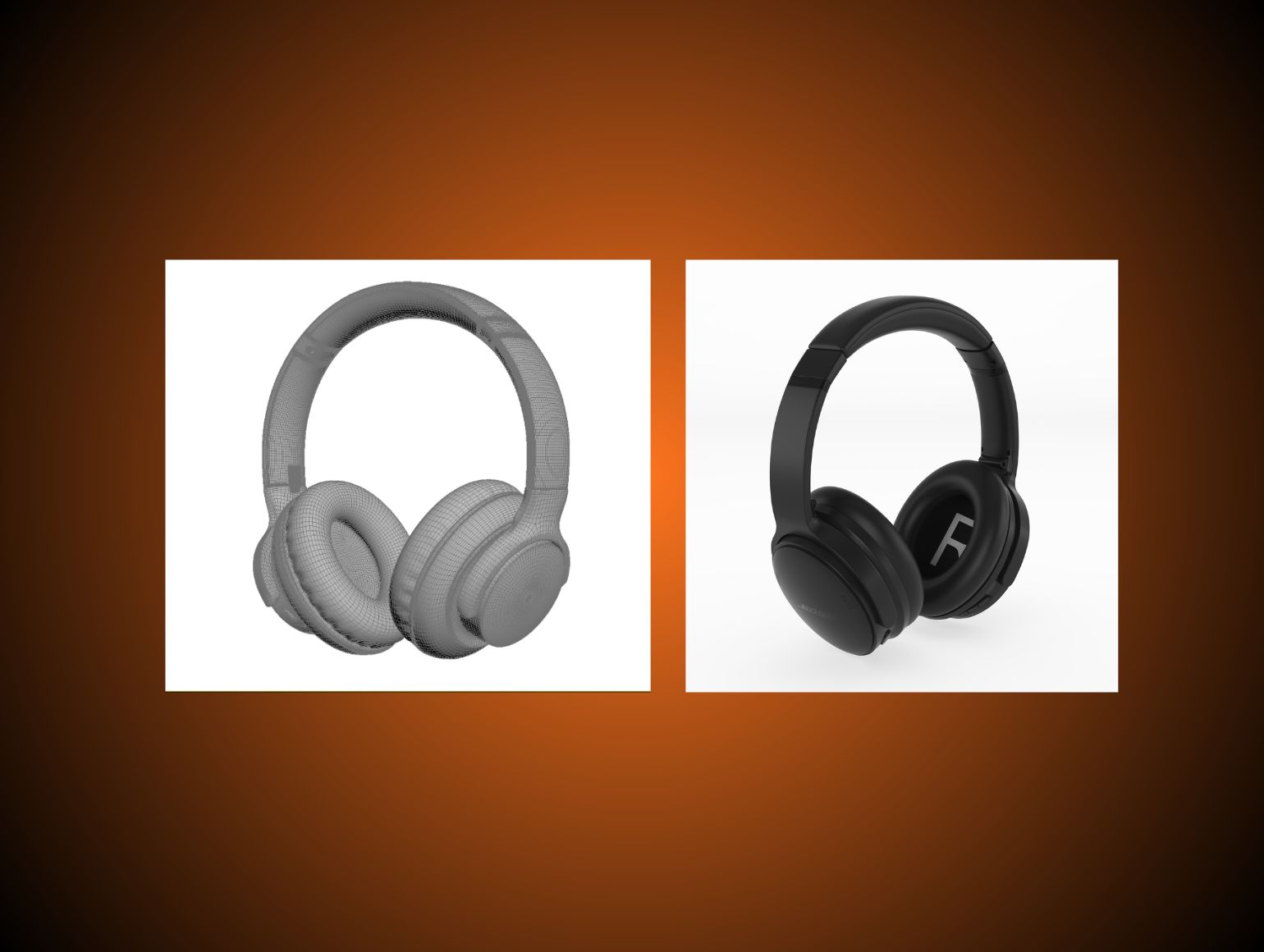
Parts and materials have to be separate. A configurator swaps a strap, a sole, or a finish, so the model has to be built that way. Shopify's modeling standards ask for individual pieces to be modeled separately and assembled like the real product, and they list the number of variant options as a driver of modeling time. On our headphone project, the model was split into headband, sliders, hinges, ear-cup housings, and cushions, each independently editable. How a raw AI mesh becomes an editable model is covered step by step in our guide to turning product photos into a 3D model.
The files have to be light. Shopify's guide warns that large model files can slow a site and recommends compression. Its modeling standards put storefront models at about 4 MB, with mobile textures no larger than 2048 x 2048 px. A configurator will set its own limits, so check them before modeling starts. I found no neutral source for configurator-specific limits.
Setup takes time and resources. Shopify says that building the models and investing in viewing technology both take time and resources to set up.
Upkeep is the cost people forget. When a product changes, its model and every option attached to it have to change too.
Cost and Evidence: What Is and Isn't Known
I found no neutral pricing for configurators, so I will not quote any. The model is a cost either way. Shopify's January 2024 guide puts a designer-built model at about $40 to $200 for a simple product and more than $1,000 for a detailed one.
Evidence on results is thin. A 2026 peer-reviewed survey of 312 online customization users found that participating in customization was linked to perceived value and to repeat purchase intention. It was cross-sectional, it measured intentions and not sales, and it covered online customization in general, not 3D configurators specifically. The authors note that it cannot establish causality. Shopify's guide also cites a 94% average conversion lift for merchants using 3D, but that figure traces to a 2022 trade article that states it without a source. I would not plan around any of these numbers. Test on one product first.
Using Both: One Model, Two Outputs
Brands that need a configurator usually need still images as well, for ads, marketplaces, and email, where nobody can interact with anything. Both can come from one model. At Pixofix, we build the models and deliver them as GLB files that your own developer or configurator provider can use, and the same model produces renders, spins, and video. Our 3D product rendering service starts from either photos or a sketch and specs. A configurator's interface is software, which is a separate purchase from the model.
The same file can have other homes. Google Merchant Center accepts glTF and GLB models for 3D product listings. It recommends 10 MB, caps files at 15 MB, says 4K textures have the broadest mobile support, and describes the attribute as limited to products sold in the US, for shoes and home goods.
I would build the model once, to the strictest limit among the places it will go.
Decision Guide
Choose a configurator when shoppers must pick among more combinations than you could render, and when personalized items mean returns are not an option. Choose a rendering partner when you sell a fixed set of variants and need images in many places. Choose both when you sell customizable products and also advertise them, and build the model to the configurator's specifications first. Whichever you start with, the model comes first.
Where This Leaves You
If your shoppers design the product, I would price a configurator and a model together. If they pick from a short list, I would price renders. To see what a model of your own product involves, book a call with our 3D team. We start with a paid pilot on one product, not a free trial.



.png)
.png)
