.png)


Best Botika Alternatives for Fashion Brands in 2027
Understanding Why Fashion Brands Look for Botika Alternatives
Botika built its name as a fast way for fashion and ecommerce brands to turn flat-lay or ghost mannequin photos into on-model images without booking a photographer. That's the appeal, and it's also where the search for Botika alternatives usually starts: brands hit the edges of what a self-serve credit system can do once their catalog grows past a handful of SKUs.
Botika's own pricing page lists three consumer plans on annual billing: Lite at $33 a month, Pro at $35, and Advanced at $40, with an Enterprise tier priced on request for high-volume teams. Every photo costs one credit and every video costs five, with generation taking about 15 minutes per image. The Lite plan limits which AI models and backgrounds you can use, and human retouch rounds only enter the picture on Pro and Advanced, where Botika includes two or three rounds of fixes with 24 to 48-hour delivery. Enterprise is the only tier with a dedicated human quality control team reviewing output.
That structure works well for a brand testing a handful of products a month. It gets harder to justify once a brand is running seasonal drops across hundreds of SKUs and needs every image to look consistent without personally reviewing each one, which is why more fashion brands are questioning whether a photoshoot, or a single AI tool, is even the right unit of comparison anymore. The alternatives worth evaluating fall into two camps: other self-serve tools with different pricing or feature trade-offs, and production models built around volume and human oversight from the start.
Criteria for Choosing a Botika Alternative
Before comparing tools by name, I'd start with the actual constraints that separate a good fit from a frustrating one.
Catalog size and cadence. A brand releasing five new products a month has different needs than one managing a 500-SKU catalog with seasonal turnover. Credit-based tools price by volume, so the math changes fast once you're generating hundreds of images a month rather than dozens.
Consistency across the catalog. A single strong AI-generated photo is easy. Keeping the same model identity, lighting, and framing consistent across a full product line, especially when different team members are generating images independently, is where most self-serve tools start to show variation from image to image.
Who checks the output. Most AI fashion tools generate the image and hand it to you. Whether a human reviews it before it reaches your storefront, and at what tier that review kicks in, matters more as volume grows and the cost of a bad image slipping through multiplies.
Pricing transparency and what's actually included. Credit systems, daily resets, and tiered feature access can make the real cost of scaling up hard to predict from a plans page alone.
Integration with how you already work. Shopify apps, APIs, and batch upload all solve different workflow problems, so the right answer depends on whether you need a tool inside your existing stack or a production pipeline that plugs into a bigger operation. If you're weighing this against outsourcing entirely, it's worth looking at how the leading AI model photography providers compare before committing to a single self-serve tool.
The Best Botika Alternatives for Fashion & Apparel Brands
I looked at four self-serve tools alongside Pixofix's own AI visual production service. Here's how each one actually holds up.
1. Pixofix
Best for: Fashion and ecommerce brands with catalogs at real volume, hundreds to thousands of SKUs, who need every image to look consistent and pass quality control without reviewing each one themselves.
Pixofix isn't a self-serve tool. It's an AI creative agency and production studio: a team of AI artists, AI engineers, and garment experts working on every project, backed by eight years of experience in fashion imagery. Every image gets human quality control before delivery, at any volume, not as an add-on unlocked at a higher tier. That's the gap I see most often when brands hit the ceiling of a DIY tool: a single strong AI photo is easy to produce, but holding model identity, lighting, and garment accuracy consistent across a full catalog is a different problem, and it's the one Pixofix is built to solve. Pricing is custom based on catalog size and turnaround needs, and production is typically delivered within days rather than requiring the brand to manage generation, review, and re-generation themselves. For brands that already have their creative direction locked and want execution at scale, this is the closest thing to outsourcing the AI visual pipeline entirely. I go into this in more detail in how to scale creative production with AI, including where a managed pipeline earns its cost over a self-serve tool.
2. Trayve
Best for: Small or early-stage fashion brands testing AI model photography before committing budget.
Trayve is a self-serve web app with a genuinely usable free tier: 5,000 credits, six models, 2K resolution, no credit card required. Paid plans run $29 (Creator), $89 (Professional), and $199 (Enterprise) a month, with 22 models, up to 4K resolution, and generation in about 60 seconds. It bundles three tools, model photos, lifestyle content, and clean ecommerce shots, from a single upload. There's no human review step at any tier, so output quality and consistency depend entirely on what you generate and select yourself.
3. Fashn AI
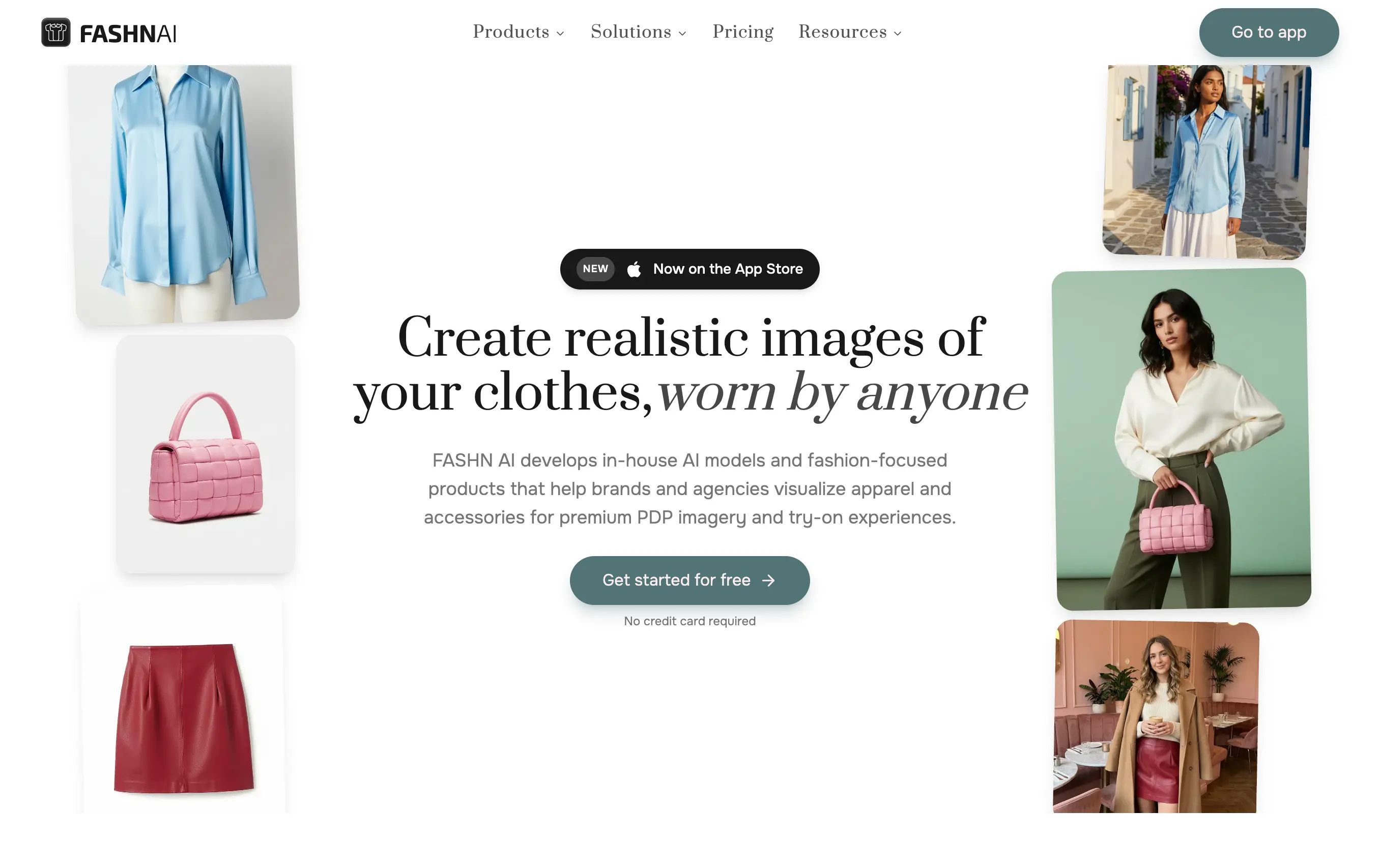
Best for: Teams that want an API-first tool or need virtual try-on and model-swap functionality to plug into their own product.
Fashn AI's app plans start at $19 a month (Basic), scaling to $49 (Pro) and $99 (Agency), with a separate developer API and 10 free credits to start. Its Face Reference feature lets you apply the same model face across every generation, which helps with consistency inside a single tool session. It's built more for developers and technical teams than for a brand that wants a finished image pipeline.
4. Uwear AI
Best for: Brands with unpredictable or seasonal volume who want to pay only for what they generate.
Uwear runs on pay-as-you-go credits at $0.10 each, with no subscription and credits that never expire, plus CSV batch upload for up to 10,000 items at once. That's real batch capability at the self-serve tier. Human-guided art direction and quality control do exist, but only at Enterprise level as a custom, quoted engagement, not something built into the standard credit-based product.
5. Picjam
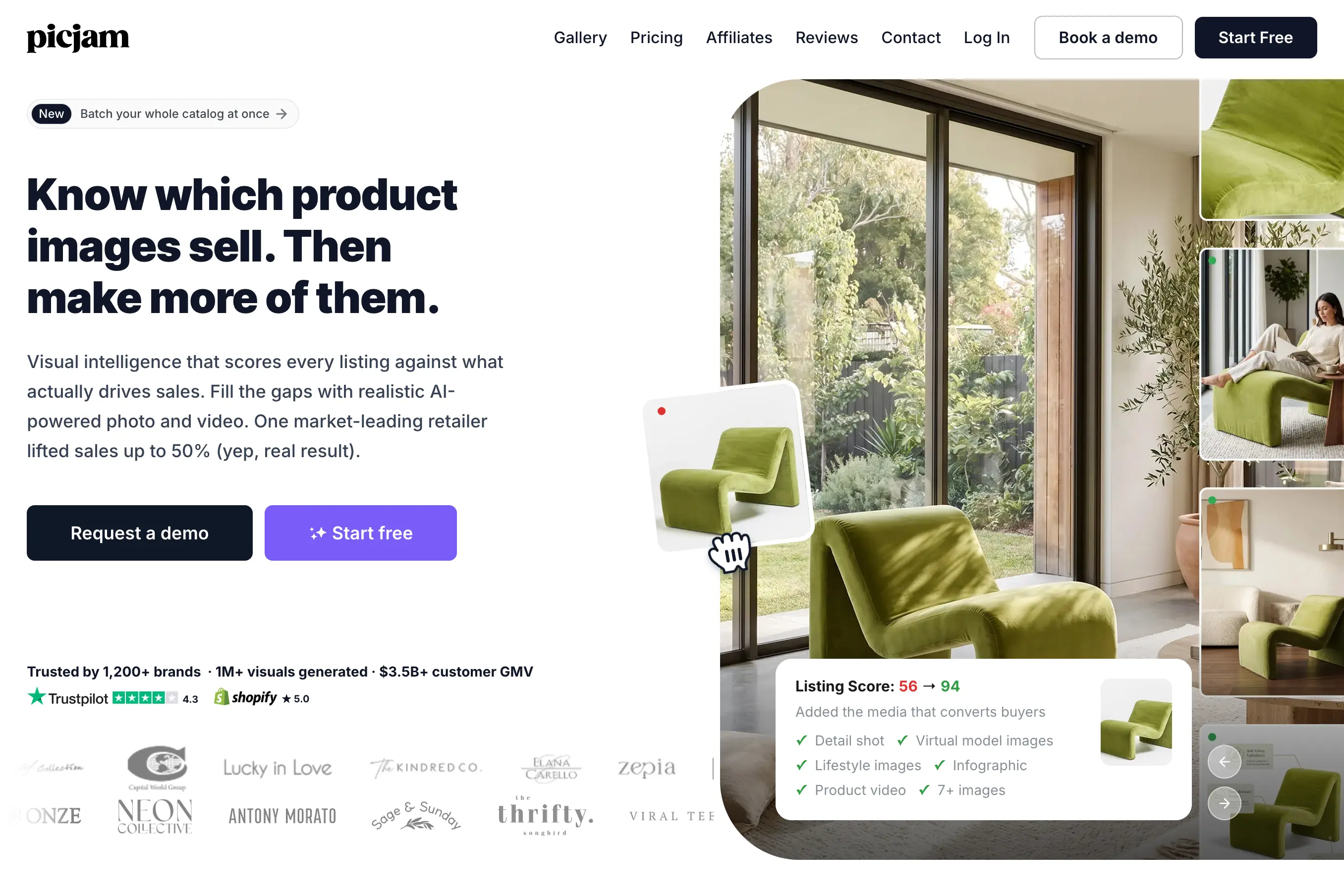
Best for: Shopify sellers who want an AI photo tool installed directly in their store admin.
Picjam is a Shopify app with a free install and one free generation to start. The Pro plan is $29 a month for 200 credits and 10 products, and Studio runs $99 a month for 2,000 credits. It includes a large pose library and covers photo and video generation, but like the other self-serve tools here, there's no human check on output before it's yours to use.
Botika Alternatives at a Glance
Reading through five tools side by side is easier with the numbers in front of you, so here's how Botika and the leading alternatives compare on the things that actually matter once you're past a handful of products: what you pay, how fast images come back, whether the tool handles real batch volume, and whether anyone checks the output before it reaches your storefront.
How to Choose the Right Botika Alternative for Your Volume
The honest answer to "which Botika alternative is best" depends almost entirely on how many images you need and how much oversight you're willing to put in yourself.
If you're testing the category for the first time, generating a handful of images a month to see whether AI model photography holds up for your products, a free tier does the job. Trayve's free plan and Picjam's free install both let you try the workflow on your actual catalog before paying anything.
If you're a small brand with a steady but modest release cadence, somewhere in the range of 10 to 80 products a month, the self-serve subscription tools make sense. Trayve, Fashn AI, and Picjam all price reasonably at this scale, and the tradeoff you're accepting is that you're the one reviewing every image before it goes live. That's manageable at low volume. It gets harder to sustain as the catalog grows, because reviewing 300 images for consistency takes real time, and nothing in these tools catches a garment detail that renders wrong before you do.
If your volume is seasonal or unpredictable, a pay-as-you-go model like Uwear AI avoids paying for a subscription tier you don't use every month, and its CSV batch upload handles real SKU counts when a drop actually happens.
If you're running a catalog in the hundreds or thousands of SKUs, with regular drops and a brand standard that needs to hold across every product photo, this is where the self-serve model starts to break down regardless of which tool you pick. Not because the AI can't generate the image, but because nobody is checking it before it reaches your storefront, and at that volume, a handful of bad renders slipping through adds up fast. This is the volume threshold where a managed AI production process, with human quality control built into the workflow rather than added on as an upgrade, tends to save more time than it costs. I wrote more about where that threshold actually sits in scaling product photography with AI from 0 to 10,000 SKUs, including the specific points where teams usually feel the strain first.
Where This Leaves You
There's no single best Botika alternative, only the best fit for where your catalog actually is right now. A free tier is the right call if you're still deciding whether AI model photography works for your products. A self-serve subscription is the right call if your volume is steady and modest enough that you can review each image yourself without it becoming a second job. Pay-as-you-go fits brands with seasonal spikes and quiet stretches in between.
What changes the calculation is scale and consistency. Once a catalog is large enough that nobody has time to check every image before it goes live, and once "close enough" on model identity or garment detail starts to actually cost conversions, the tool question turns into a process question: who is checking the output, and what happens when something renders wrong. That's the point where a managed AI production model, with human quality control built into every image rather than bolted on at a higher tier, tends to be worth the switch from a self-serve tool.
The category itself isn't slowing down. More of these tools will add batch features and enterprise tiers as brands push them harder, which is worth watching if you're choosing a platform to grow into rather than one that only fits today's catalog size.



.png)
.png)
