.png)

Best Doopic Alternatives for E-commerce Photo Editing (2027)
Why Look for a Doopic Alternative
Doopic is a European e-commerce photo editing service that prices each image with a base rate plus separate charges for background removal, retouching, resizing, and processing speed. It is one of several retouching-as-a-service providers that fashion and e-commerce brands use instead of building an in-house editing team or running every batch of product images through a photo studio.
Brands look for a Doopic alternative for a few practical reasons. Turnaround times do not always match a launch calendar. A per-image pricing structure gets hard to predict once you start adding several editing options to every photo. Some brands need tighter quality control across a large catalog than they are currently getting. Others outgrow a pure per-image model altogether and need a partner that pairs AI-assisted production with human oversight at real volume.
I built this comparison by going directly to each provider's own pricing page rather than relying on older reviews, since per-image rates and turnaround windows change often enough that a comparison from even a year ago can be out of date.
One thing worth setting up front: every provider on this list is a retouching-as-a-service company, not general photo editing software. If the real question you are weighing is Doopic versus a tool like Canva or GIMP, that is a different decision: whether to outsource retouching at all, or handle it in-house with software and your own team's time. This article assumes you have already decided you want a service that edits the images for you, and you are trying to work out which one fits your volume, budget, and quality bar. Each of the five alternatives below covers what it is best suited for, how its pricing works, and what turnaround you can expect.
What Actually Separates One Retouching Partner From Another
Every retouching-as-a-service provider will tell you it offers quality, speed, and fair pricing. Those words do not tell you much on their own. What matters is how each provider structures the trade-offs behind them, since no provider optimizes for everything at once.
Pricing structure. Some providers charge one all-in rate per image. Others start with a base price and add a separate charge for each editing option: clipping, retouching, resizing, color work. The second model can look cheaper at first glance and then climb once you add what you actually need. When comparing providers, I look at the total cost for a realistic image, not the headline starting price.
Turnaround and how it is priced. A 24-hour turnaround means little if it costs extra on top of the base rate, or if it is a goal rather than a guarantee. I check whether standard turnaround is fast enough for a normal production cycle, and what a rush order actually costs when a launch date moves up.
Quality control model. This is where AI-only automation and a hybrid AI-plus-human process diverge the most. Automated editing is fast and consistent for simple, repetitive edits. It struggles more with pattern-heavy fabric, unusual lighting, or a brand's specific style guide, where a human eye still catches what a model misses. I look at whether a provider reviews every image or only spot-checks a sample.
Volume capacity and consistency at scale. A provider that handles 50 images a week well does not always hold up at 5,000 a month. Guaranteed daily capacity, not just an advertised turnaround window, tells you whether a provider can actually support a catalog your size.
Specialization. Some of the providers in this comparison are built specifically for e-commerce catalogs. Others serve professional photographers more broadly, covering weddings, portraits, and personal client work alongside product images. That difference shapes how well a provider understands fashion-specific retouching needs like fabric texture, ghost mannequin work, or color matching across a product line.
1. Pixofix: Hybrid AI and Human Retouching for Catalog Scale

Best for: brands with large, ongoing catalogs who want AI-assisted speed without giving up human quality control on every image.
Pixofix pairs AI-driven editing with human retouchers who review the output before it ships. The AI handles the repetitive parts of the process, background removal, batch consistency, initial color correction, and a human retoucher checks every image against your style guide before delivery. That combination matters most on fashion and beauty catalogs, where pattern-heavy fabric, skin tones, and garment fit are exactly the details that pure automation tends to get subtly wrong across a large batch.
Standard turnaround runs 24-48 hours. Capacity is built for volume: we support catalogs of 5,000 or more images without the guaranteed daily cap that some subscription-based providers apply to their lower tiers. For a brand running frequent drops or a large SKU count, that matters more than a fast turnaround on a small test batch, since the real test of a retouching partner is whether quality holds steady once volume actually increases.
Chewy is one example of what this looks like at scale: a long-term partnership built around on-time delivery at high monthly volume, which is the kind of sustained output a growing catalog needs from a provider, not just a strong result on a first order.
Pricing starts from $0.85 per image. If your brand leans more toward editorial or campaign-grade retouching than high-volume batch work, our image retouching service covers that more premium end of the work specifically, worth a look if consistency on a smaller run of campaign images matters more to you than raw throughput.
2. Pixelz: Subscription-Based Retouching With Next-Morning Turnaround
Best for: brands leaving Doopic's per-option pricing model who want one predictable subscription rate instead, and who value a guaranteed daily turnaround over Doopic's paid rush tiers.
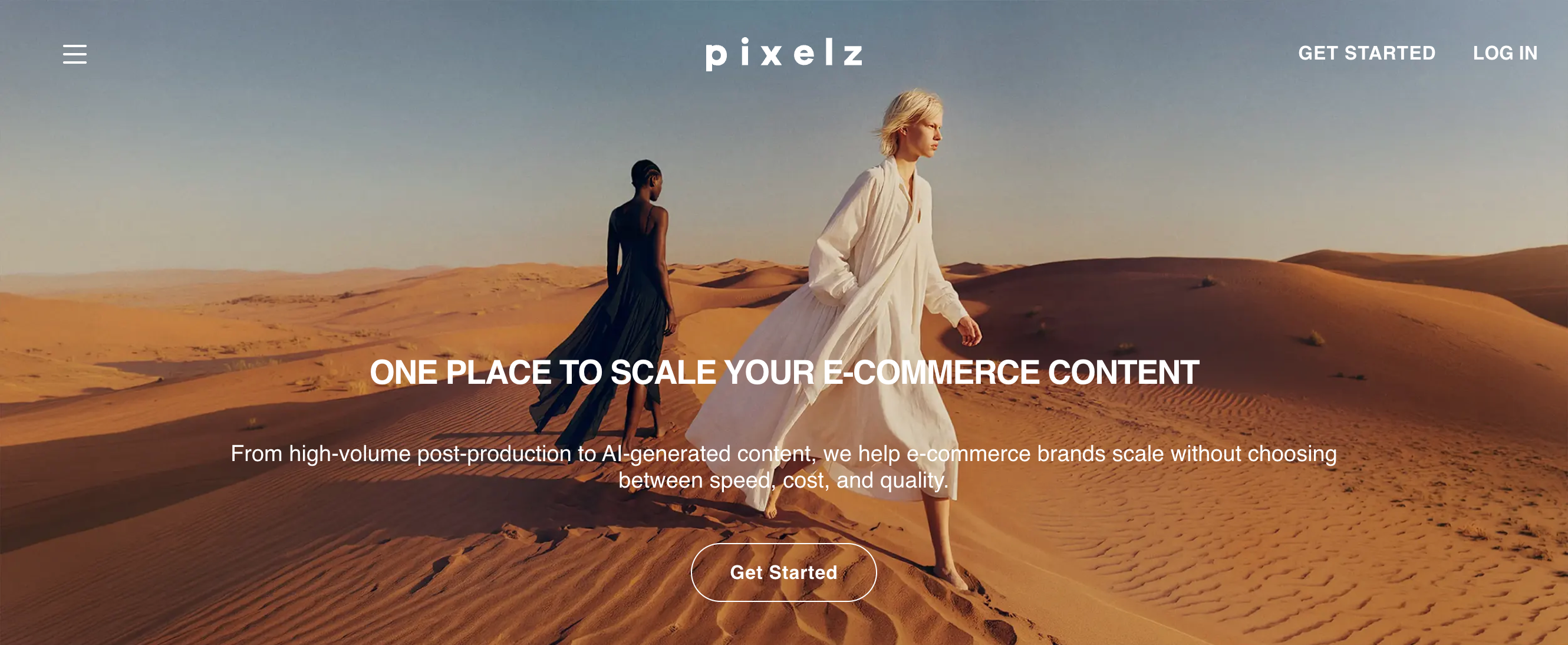
Where Doopic builds its price from a base rate plus a separate charge for every editing option you add, Pixelz collapses that into a monthly subscription plus one flat per-image rate. The Professional plan runs $75/month on an annual commitment (or $95 month-to-month), with images from $0.95 each and a guaranteed daily capacity of 200 images. Turnaround is next morning as standard, images submitted by midnight are returned by 9am the next day, Monday through Friday, with a 3-hour expedite option available for an added fee, similar in spirit to Doopic's own paid rush tiers but built into a subscription rather than an à la carte surcharge.
That subscription-plus-per-image structure is worth doing the math on before switching. At low volume, the monthly fee adds cost on top of what you're already paying per image. At higher, steady volume, the guaranteed daily capacity and predictable next-morning delivery solve exactly the unpredictability that drives people away from Doopic's per-option pricing in the first place.
3. PathEdits: Flexible Turnaround Without a Subscription
Best for: brands who want to escape Doopic's paid rush-turnaround tiers by choosing their delivery window upfront, without taking on a subscription in exchange.
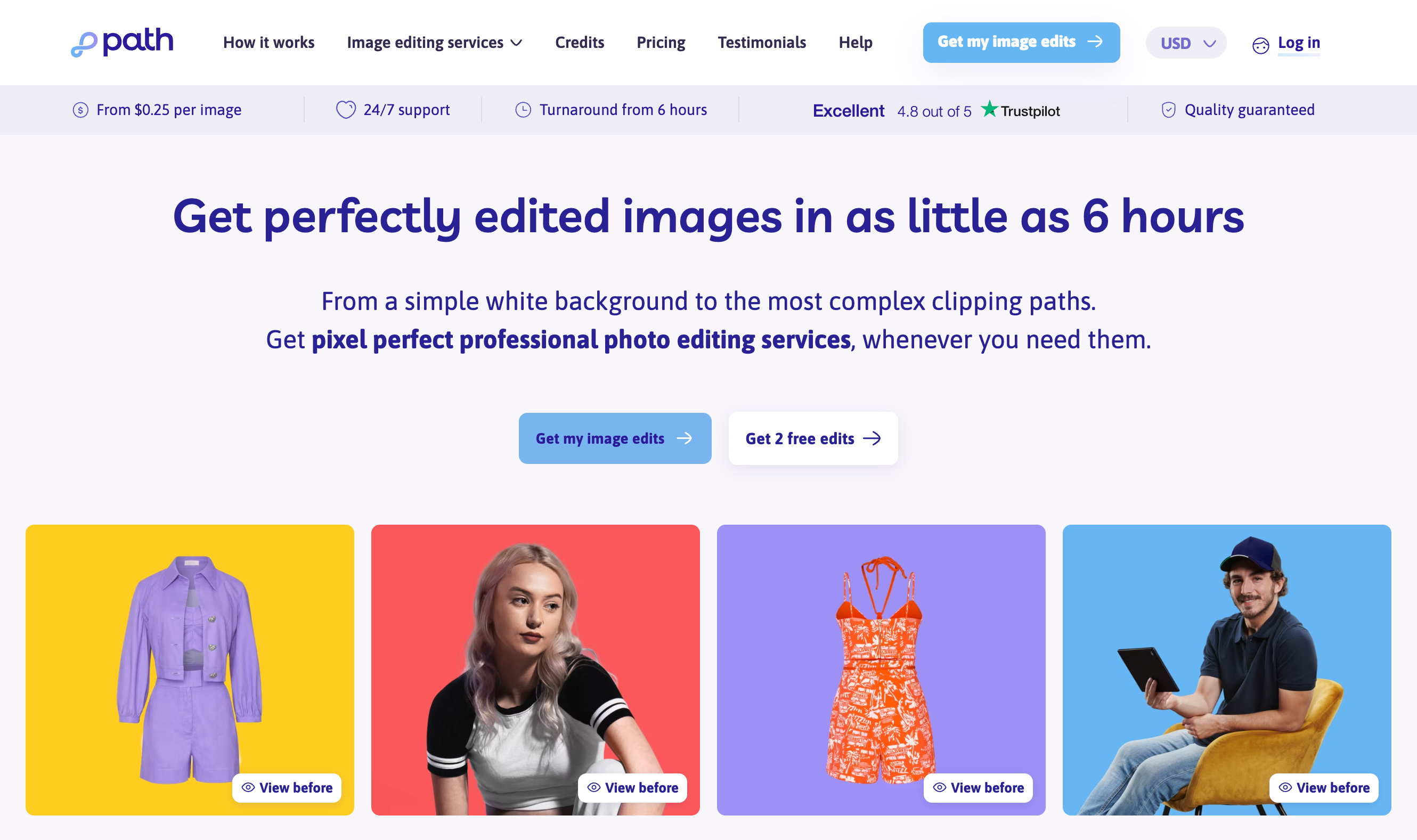
PathEdits prices per image with no subscription or monthly minimum, closer in spirit to Doopic's per-image model but without the itemized per-option add-ons. Clipping path and background removal start from $0.39 per image, retouching from $0.69. The real difference from Doopic shows up in turnaround: instead of a fixed 48-hour default with paid upgrades to 24, 12, or 8 hours, PathEdits lets you pick from five windows (6, 12, 24, 48, or 96 hours) with price adjusting to match, so a flexible batch that can wait costs less rather than defaulting to the slowest, cheapest tier.
New customers get their first two images edited free, a low-friction way to compare output quality against Doopic's before committing a full batch. For orders above 100 images at once, or 1,000+ per month, PathEdits moves to custom pricing rather than the published rates above.
4. FixThePhoto: Broad Photography Services With a Separate E-Commerce Tier
Best for: photographers or small brands who need a mix of portrait, product, and restoration editing across different projects, rather than a service built specifically for e-commerce catalogs.
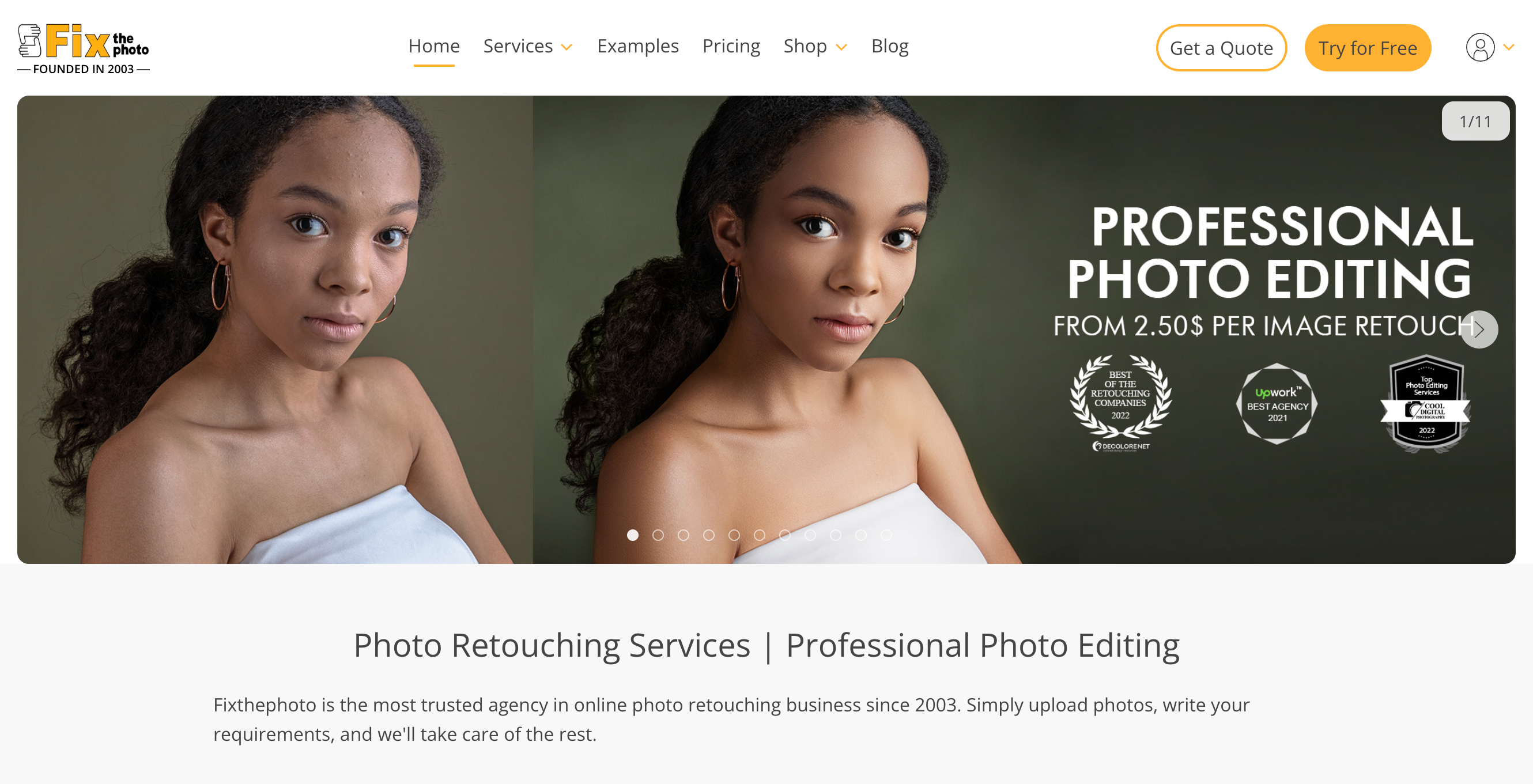
FixThePhoto's core pricing structure centers on five portrait-oriented packages: Basic at $2.50 per photo, Pro at $6.00, High End and Extra both at $12.00, and Photo Manipulation & Restoration at $30.00. These cover skin retouching, teeth whitening, background enhancement, and similar work aimed at wedding, portrait, and personal photography clients.
Product photo editing sits on a separate line, priced from $0.99 per photo, distinct from the portrait packages above it. That split is worth noting honestly: FixThePhoto is not built around e-commerce catalogs the way Doopic, Pixelz, or PathEdits are. It is a general photo retouching service that happens to offer a product-editing option, rather than a provider whose whole workflow is oriented around fashion or product imagery. If your business is exclusively product catalog work, that broader scope may mean less specialization in the fabric texture, ghost mannequin, or color-matching details that matter most for fashion e-commerce specifically.
Where FixThePhoto does stand out is loyalty and volume pricing. Orders over $600 get 15 percent off, and clients who have spent over $2,000 within six months get 30 percent off. Customized pricing is also available for product photo batches starting at 400 photos, worth asking about directly if you are ordering at that scale regularly.
One gap I want to flag rather than paper over: FixThePhoto's own pricing page does not state a specific turnaround time for standard orders. If turnaround speed is a deciding factor for you, that is worth confirming directly with FixThePhoto before comparing it against the other providers here, since I do not want to guess at a number they have not published.
5. RetouchUp: No-Contract Flat-Rate Retouching for Individual Photographers
Best for: individual photographers or small operations who want simple, flat-rate retouching with no subscription and no minimum order, more than e-commerce brands running a full product catalog.
RetouchUp prices with three flat-rate retouching tiers rather than a per-option build-up: Complete Retouch, Complete Plus, and Special Services, each at its own fixed price. Photo retouching starts from $2.50 per photo, clipping path from $1.50, and color correction from $0.25 per image on orders of 50 or more. There is no monthly fee and no contract. You are only charged for orders you actually submit, and an inactive month costs nothing.
Turnaround is targeted at 24 hours, but RetouchUp is explicit on its own site that this is a goal, not a guarantee. Delays can happen depending on order size, revision requests, or artist availability, and if you need a hard deadline met, the recommended path is to call and request a rush directly rather than assume the standard window will hold. That is a meaningful difference from a provider like Pixelz, where next-morning delivery is a stated part of the plan.
RetouchUp's own positioning centers on professional photographers rather than e-commerce catalogs specifically. Their site and testimonials lean toward portrait, wedding, and event photography, personal client work rather than product batches meant for an online store. Established in 2006 under parent company Hollywood FotoFix, RetouchUp has processed a large volume of images over that time, but the workflow and specialization are built around a different kind of photographer than the one running a fashion or product catalog. If your priority is a partner that understands fabric, garment fit, and catalog-level consistency, that is a real gap worth weighing against the appeal of no-contract, pay-as-you-go simplicity.
Comparing Doopic and Its Alternatives
The five write-ups above cover what each provider does well and where it falls short. This table puts them side by side against Doopic on the details that actually decide a switch: starting price, how that price is built, turnaround, what commitment it requires, and whether quality control is part of the service or something you have to ask about.
A few things stand out once they're side by side. Doopic and PathEdits are the only two providers here with genuinely itemized per-image pricing and no subscription. Pixelz is the only one that pairs a subscription with a guaranteed daily capacity. Pixofix is the only provider on this list that states human quality control on every image as a standard part of the service, rather than something available on request or not addressed at all. FixThePhoto and RetouchUp both skew toward individual photographer work rather than catalog-scale e-commerce, which shows up clearly in the Best For row.
Evaluating Features and Technology
Doopic's pricing structure hints at how its production actually works: charging separately for clipping, retouching, and color options suggests a workflow built around discrete, modular edits rather than one integrated pass per image. That's not necessarily a weakness, it just means the technology question worth asking about any alternative is not "does it use AI" (most do, in some form) but where AI stops and a human starts, and whether that handoff is disclosed at all.
AI-only versus hybrid production. A fully automated pipeline is fast and cheap to run at scale, and it holds up well for simple, repetitive edits: clean backgrounds, standard crops, basic color correction. It tends to struggle more with the details that vary image to image, fabric pattern alignment, skin tone accuracy, garment fit around a mannequin seam, the kind of work where a model can produce a plausible result that's subtly wrong in a way a human catches immediately. None of the five alternatives compared here publish a detailed breakdown of where automation ends and human review begins, except Pixofix, which states human QC on every image as standard. That's a real distinction worth naming plainly rather than folding into a longer list of features, since it directly answers the "where does AI stop" question the rest of this section is built around.
Batch infrastructure versus one-image-at-a-time tools. Doopic, PathEdits, and RetouchUp all price and process per image, which works cleanly for a single order but says nothing about how the system behaves once you're submitting hundreds of images at once with a shared style guide across all of them. Pixelz's guaranteed daily capacity is the clearest example among the alternatives of a provider treating batch consistency as an explicit part of the product rather than an assumption. It's worth asking any provider directly, whether per-image pricing or not, how they maintain the same color and cropping decisions across a thousand-image batch versus a five-image test order, since the two often look different in ways a small sample won't reveal.
Turnaround as a technology signal, not just a service-level promise. How a provider prices speed tells you something about their actual production model. Doopic charges more for faster delivery in fixed increments, a sign of a queue-based system where speed is a resource you pay to jump ahead in. PathEdits' five-window model works similarly. RetouchUp's 24-hour goal that isn't guaranteed suggests a smaller, less systematized operation where turnaround depends more on staffing than infrastructure. None of these are wrong, but they tell you different things about what happens when your order lands during a busy week.
Making the Switch from Doopic
Deciding to move is usually the easy part. The mechanics of actually switching, migrating your specifications, testing a new provider against your own style guide, and timing the cutover so nothing falls through during a live catalog, are where most of the friction actually happens. A few things are worth doing in order, regardless of which alternative you choose.
Start with a small trial batch, not a full migration. Every provider compared in this article, apart from Pixelz's more involved onboarding, will let you submit a handful of images before committing to volume. Use that trial to test the exact edge cases your catalog actually has, not just a clean product shot. If you sell patterned fabric, submit a patterned item. If color accuracy against a specific Pantone value matters, submit that. A provider that handles a simple white sneaker well can still struggle with the details that make your catalog different from a generic demo.
Write down your specifications before you migrate them, not after. If you've been sending Doopic ad hoc instructions per order rather than a documented style guide, this is the moment to fix that, since a new provider inherits whatever specification you hand them, gaps and all. A clear brief also gives you something concrete to hold a trial batch against, rather than judging quality on gut feel alone. We've written a practical breakdown of how to brief a photo retouching team if you're starting that document from scratch.
Check what a subscription-based switch actually commits you to. Doopic's model has no subscription, so if you're moving to Pixelz specifically, you're taking on a monthly commitment you didn't have before in exchange for guaranteed daily capacity. That's a fair trade for steady, predictable volume, but worth running the numbers on against your actual monthly image count before signing on, not after the first invoice.
Time the cutover around a natural break in your production calendar, a between-drops window rather than the middle of a launch, so a slower first batch from a new provider while everyone learns your style guide doesn't collide with a deadline that can't move. If you're weighing whether outsourcing at all is still the right call versus building capacity in-house as your volume grows, that's a separate decision worth its own look, our breakdown of the true cost of outsourced versus in-house retouching at 10,000-SKU scale walks through that math directly.
Finding the Right Fit
The right alternative to Doopic depends less on which provider has the best reputation and more on how your catalog actually behaves month to month.
If your volume is small and inconsistent, a handful of images some months, none in others, a subscription model works against you. Doopic's own per-image structure, PathEdits' flexible turnaround, or RetouchUp's pay-per-order approach all avoid locking you into a monthly fee for capacity you won't use.
If you're running a steady, predictable volume in the low hundreds of images monthly, Pixofix and Pixelz's guaranteed daily capacity and subscription model starts to make more financial sense, since you're not paying for unused capacity most months, and the next-morning turnaround becomes a genuine planning advantage rather than a feature you rarely need.
If your catalog is large and growing, particularly in fashion or beauty, where fabric texture, skin tone accuracy, and fit consistency across thousands of SKUs are the details that actually affect return rates, the providers here that publish a stated quality-control process matter more than the ones with the lowest headline price. This is where Pixofix's human QC on every image and 5,000-plus image capacity are built for the specific problem: keeping quality consistent as volume scales, not just fast at a small sample size.
If your work leans more toward individual client jobs than a product catalog, portraits, weddings, or occasional personal projects mixed in with product shots, FixThePhoto or RetouchUp's broader photography focus may genuinely fit better than a provider built exclusively around e-commerce SKUs, even if their per-image pricing looks less competitive on a spec sheet.
None of these are permanent decisions. A trial batch costs little relative to the cost of a wrong six-month commitment, and the providers worth switching to are the ones confident enough in their own quality to let you test it on your hardest images before you commit to your easiest ones.



.png)
.png)
